26
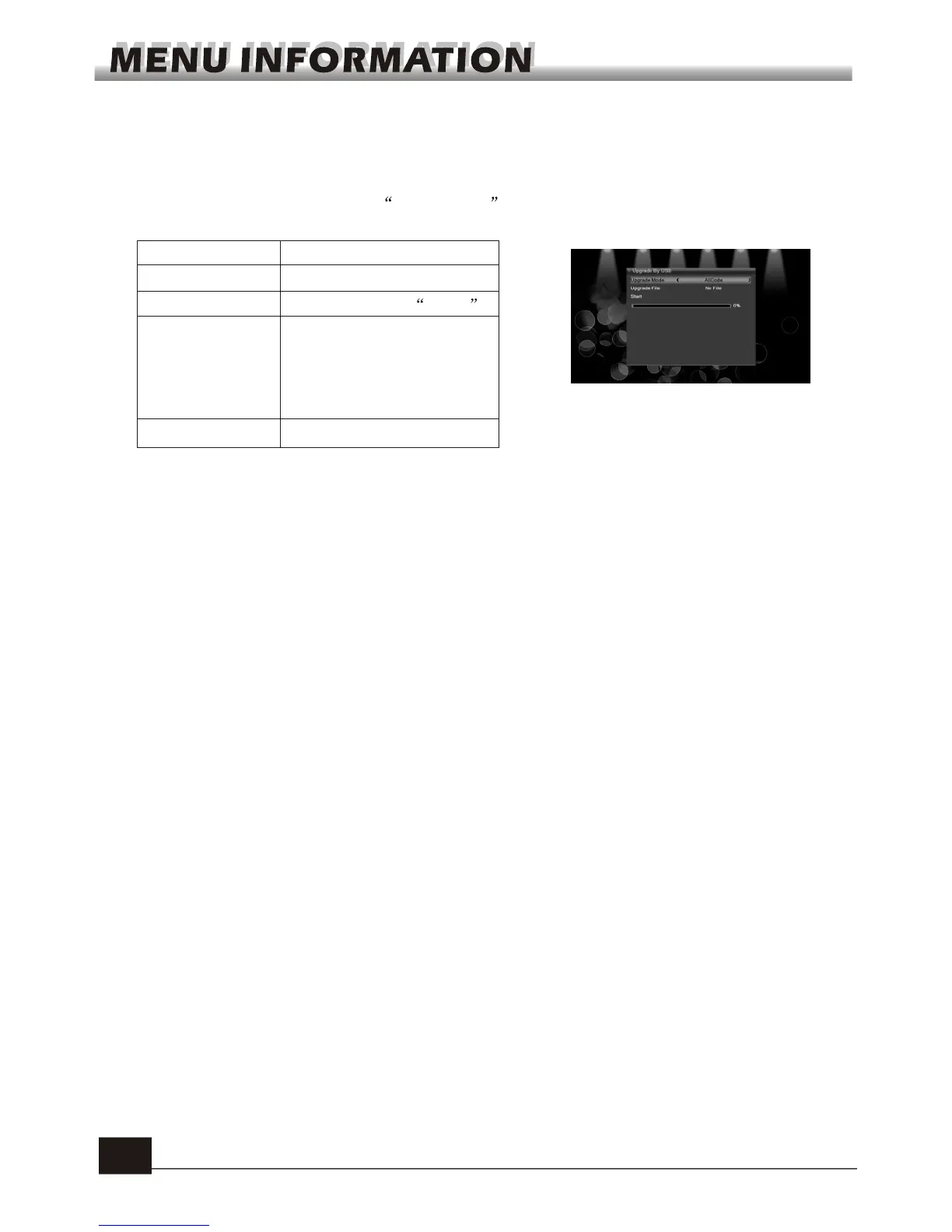
1.Upgrade File: Show the Upgrade File.
2.Upgrade Mode: Select between allcode, maincode, defaultdb, userdb and Dump. When
users switch the upgrade mode, Upgrade File will show the corresponding file
according to the table below:
6.4 Upgrade by USB
3.Press OK key on start button to start receiving the data from USB device.
When the USB device is not connected, this item is grey, you can not edit it now.
Upgrade Mode File feature
All code : File named as "*.abs"
Main Code: File named as *.abs
Radio back: File named as "*.abs",
the picture will be used
as both radio back and
menu back
Default db: File named as "*.abs"
Select the upgrade mode and upgrade file, then you can start upgrade by USB.
6.5 Remove USB device safely
Press OK on this item it will pop up a dialogue:"You can safely remove USB device
now! ", then you can move your USB device safely.



 To Next Page