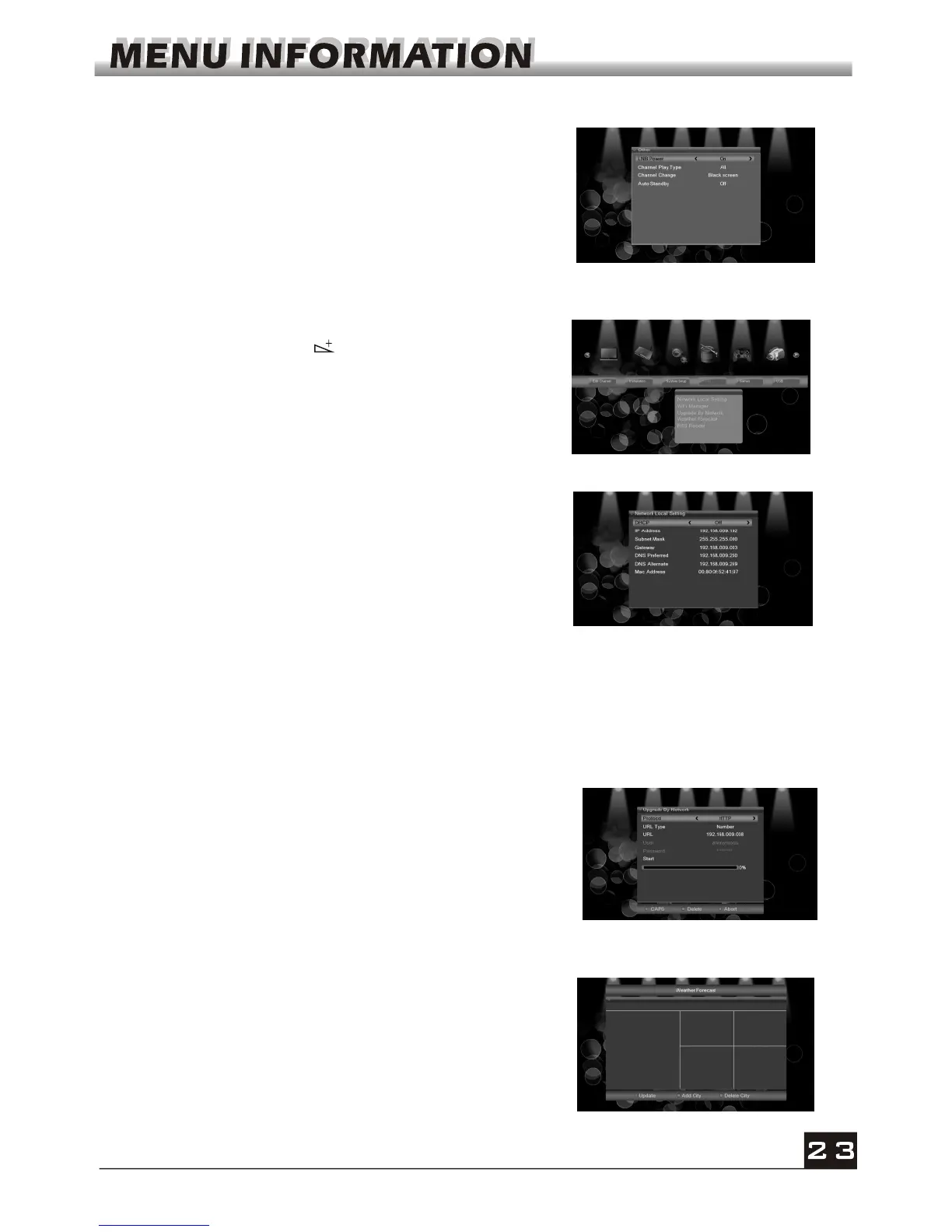
3.9 Other
1. LNB Power: Select between Off and On.
2. Channel Play Type: Select among All, Free,
Scramble.
3. Channel Change: Select between Black Screen
and Freeze.
4. Auto Standby: Select between On and Off.
4. Tools
1. Press OK key or key to pop up the "Input
Password" dialogue, you can not enter into the
menu unless the correct password is inputted. The
default password is 0000.
2. Press PR+, PR- keys to move the cursor up or
down.
4.1 Network Local Setting
DHCP: Select between ON and OFF, when it ON, the
IP Address, Subnet Mask and Gateway item will turn
gray, you can not edit them.
Press number 0-9 the input the address.
4.2 WiFi Manager
4.3 Upgrade by Network
1. Protocol: Select between HTTP and FTP.
2. URL Type: Select between number and string.
3. URL: press number key 0-9 to input.
4. User: Press number key 0-9 to input the user name.
5. Press number key 0-9 the input the password.
6. Press OK key on star button to begin updating
Press green key to delete the number or characters
and press red key to switch the input mode.
4.4 Weather Forecast
Press green key to add city
Press yellow key to delete city
Press red key to update
Insert Wifi equipment first, then search available Enter net signal , input the password to
connect with network.



 To Next Page