Numeric keys Press numeric key repeatedly, display in circle
1
2
3
4
5
6
7
8
9
0
.,*?!@1
ABC2
DEF3
GHI4
JKL5
MNO6
PQRS7
TUV8
WXYZ9
[space]_-0
If the name is empty, system will pop up a dialogue informing "Name" once yellow
colour key is pressed. Press OK key to close this dialogue.
1.2 Radio Channel List
Same operation as 1.1 TV Channel List, here we don't explain any more.
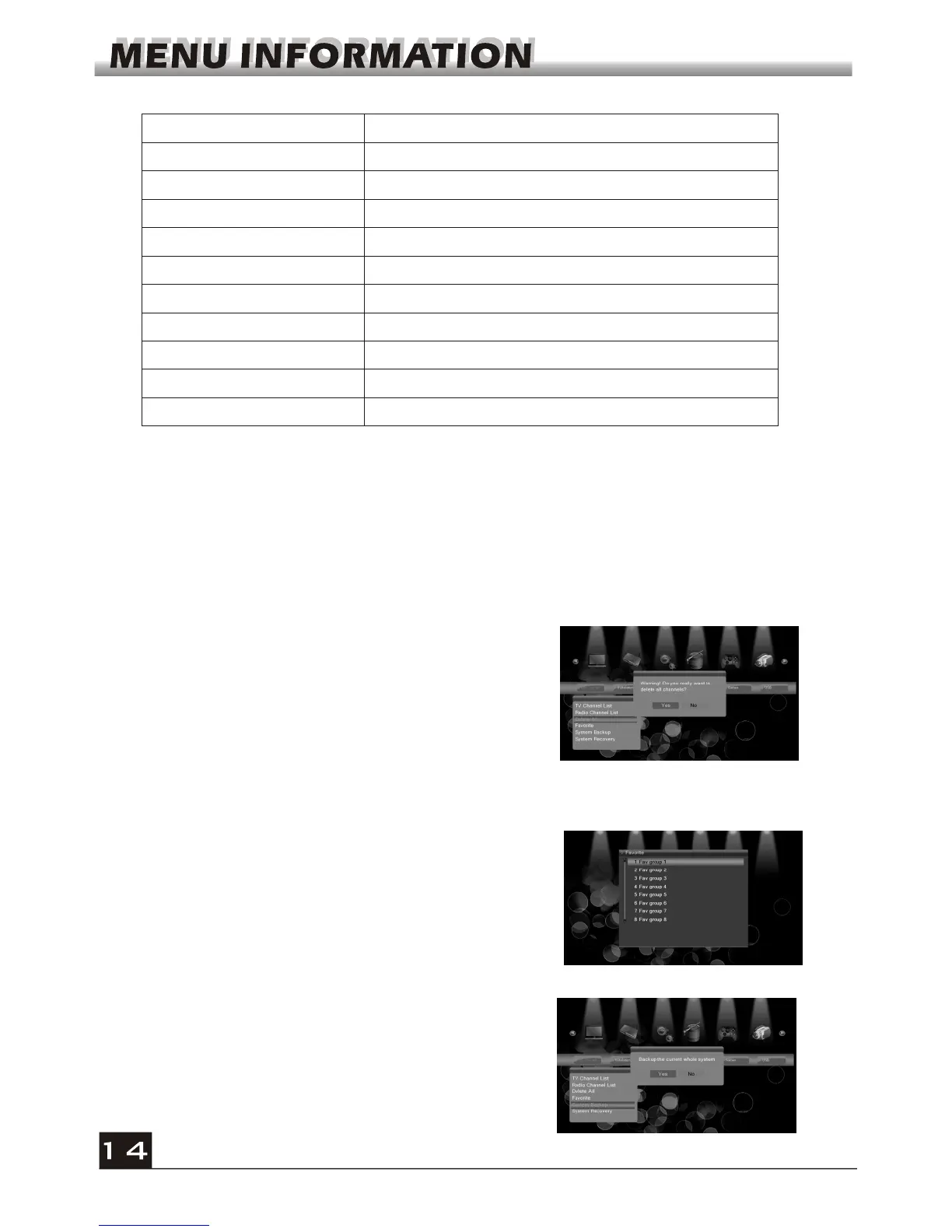
1.3 Delete All
Move cursor to the Delete All item, and press OK
Key to pop up the dialogue "Warning! Do you really
want to delete all channel?".
Press EXIT key to pop up the dialogue "Are you
sure to save?". Select Yes button and press OK
key to save, or select NO button and press OK key
to exit without saving.
There are 8 favorites group listed in this window.
Press PR+, PR- keys to select one and press OK
key to the Rename window. Since the same
operation as the above the Add Satellite window,
here we don't explain any more.
1.4 Favorite
1.5 System Backup
Move cursor to the System Backup item, and
press OK Key to pop up the dialogue "Backup the
current whole system". Select Yes button and
press OK key to save, or select NO button and
press OK key to exit without saving.



 To Next Page