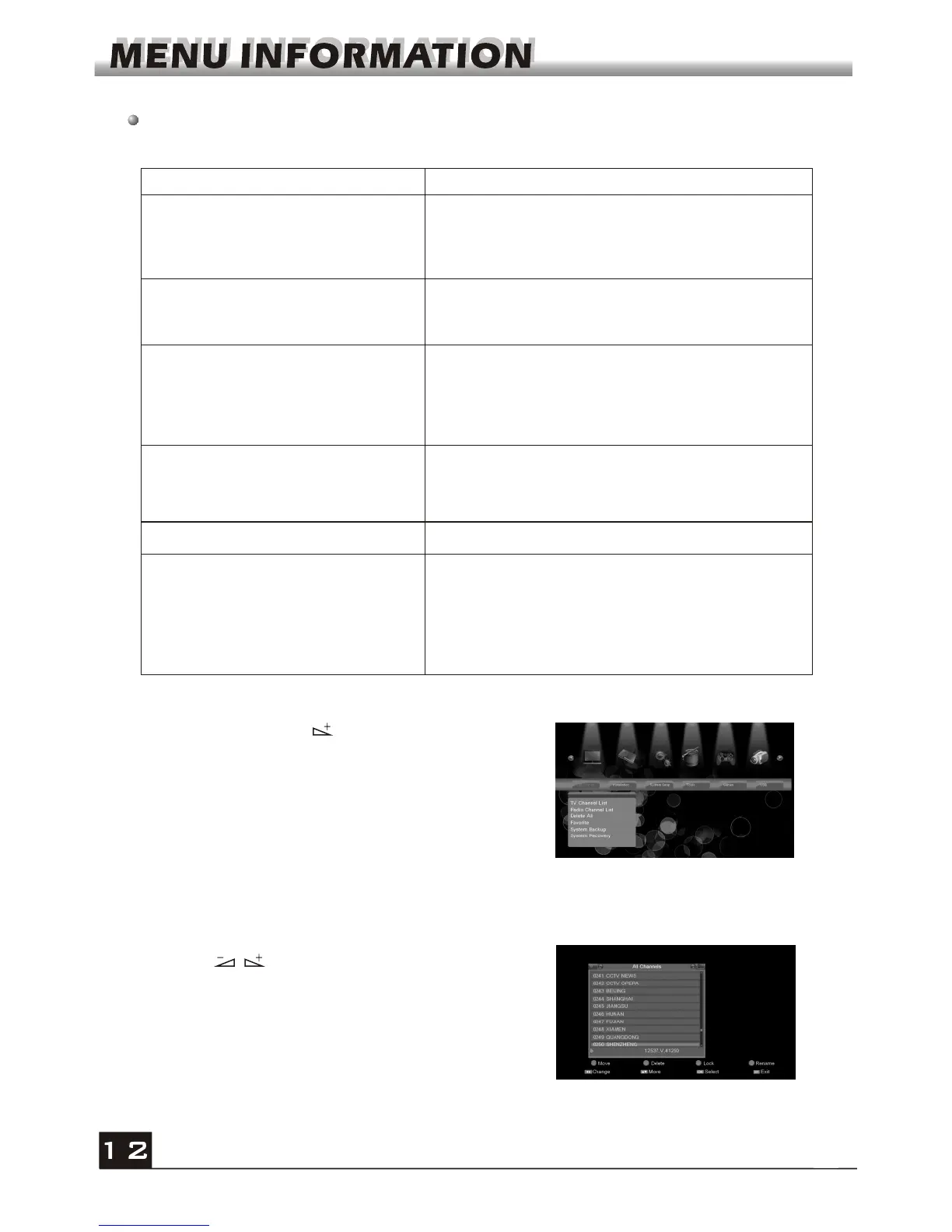
If there is no program, you can not exit from the Main Menu window by pressing
MENU or EXIT key. System will inform "No channel" and the following items turn grey.
1. Press OK key or key to pop up the "Input
Password" dialogue, you can not enter into the
menu unless the correct password is inputted.
The default password is "0000".
2. Press PR+, PR- keys to move the cursor up or
down.
Sub-menu Turn grey when there is no program
Edit Channel
Installation
System Setup
Tools
TV Channel List
Radio Channel List
Delete all
Language TV System
Local Time Setting Timer Setting
Parental Lock OSD Setting
Other
1. Edit Channel
1.1 TV Channel List
Game
Othello Sudoku
USB
PVR Storage Information
Remove USB device safely
Upgrade by USB
Display Setting
Media Player
PVR Setting
Favorite
Network Local Setting
WiFi Manager
Upgrade by Network
Weather Forecast
RSS Reader
System Backup System Recovery
Installation
CA
Factory Setting
Information
1. Press keys to change page up and page
down.
2. Press PR+,PR- keys to select the program that
you want to play, and then press OK key to select.



 To Next Page