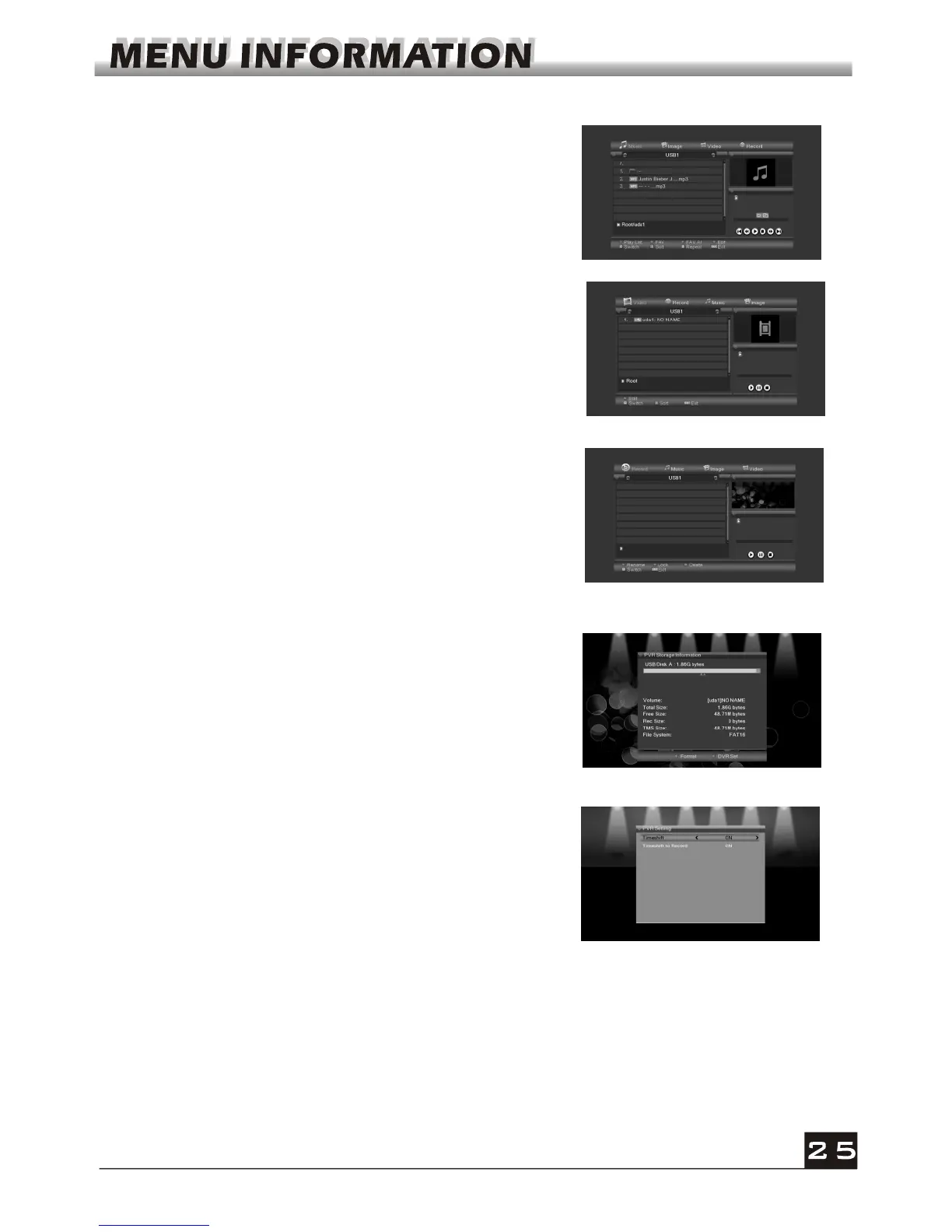
In music list
Press number key 1 to display the Sort window.
Press number key 2 to select the repeat mode.
The function of colour key is the same as Color key
operation
In video list
Press number key 1 to display the Sort window.
The function of colour is the same as Color key
operation
Show you the information in windows as besides.
Yellow key: Press yellow key to format the disk
Blue key: Press blue key to pop up DVR Set windw.
6.2 PVR Storage Information
In record list
Red key: Press red key to enter the rename window,
you can rename the file by press number 0-9 on RCU
Green key: Press green key to lock the file you selected
Yellow key: Press yellow key to delete the file you
selected.
6.3 PVR Setting
1. Time shift: Select between Off and On.
2. Timeshift to Record: Select between On and Off.



 To Next Page