29
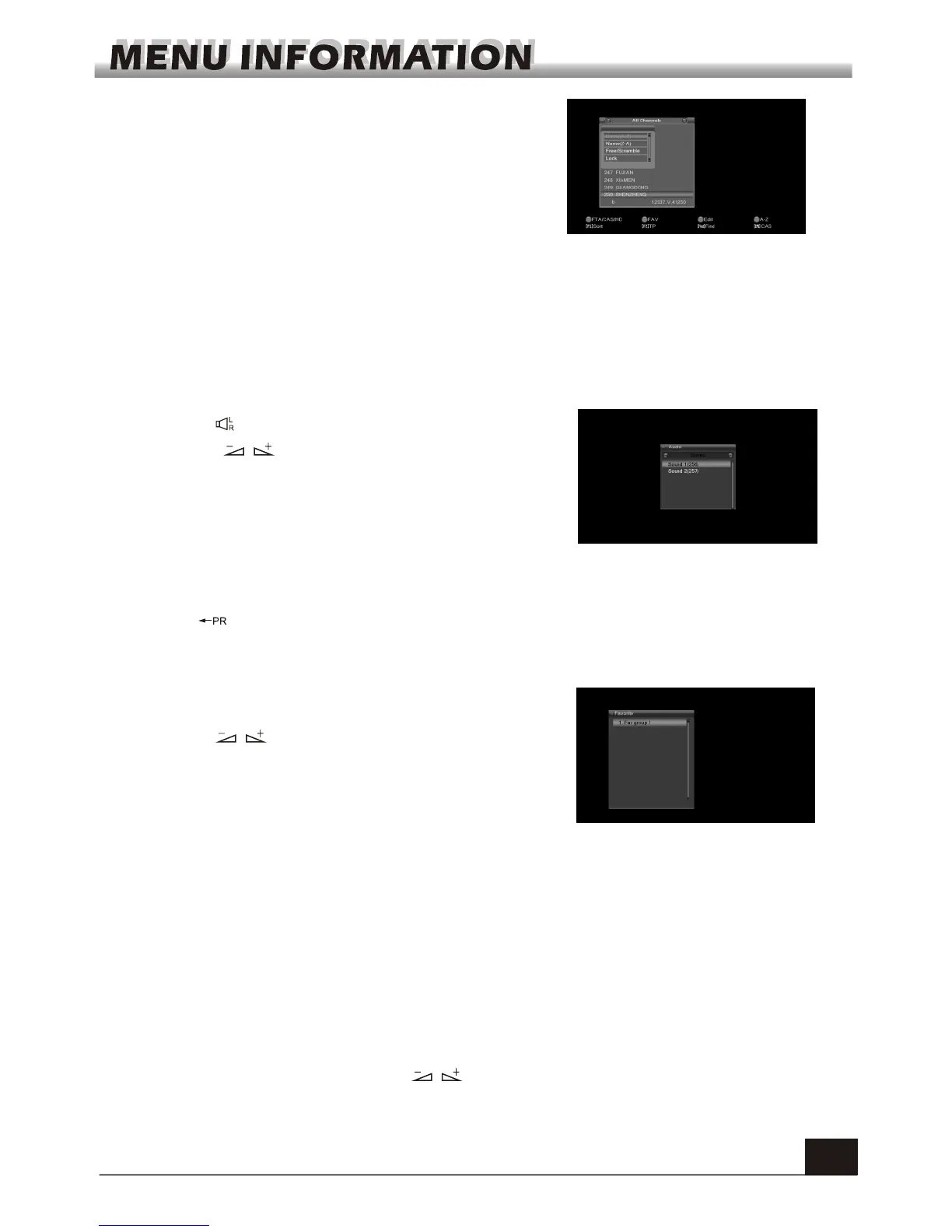
1. Press key to enter into the Audio window.
2. Press keys to select among Left, Right,
Stereo, and Mono.
3. Changing the audio mode is only connected with
the current channel, not all the channels.
4. Press MENU or EXIT key to close this window.
7.11 Audio
Press key to switch the current channel to the previous channel.
7.12 Recall
1. Press FAV key to pop up the favourite group
window.
2. Press keys to select the favorite group.
Press PR+, PR- keys to select the channel up or
down. Press OK key at the selected channel to
view it in full-screen. Press MENU or EXIT key to
exit.
3. If there is no favorite channel, system will inform
" No FAV Channel!" when you press FAV key.
7.13 FAV
1. Press ZOOM key to switch among Zoom*1, Zoom*2, Zoom*3, Zoom*4, Zoom*5,
Zoom*6, Zoom*8, Zoom*12, Zoom*16.
2. In zoom mode, press PR+, PR- keys to move the cursor up, left, right, down.
3. Press MENU or EXIT key to exit
7.15 Zoom
Press TXT key to open the teletext on the screen. If there is no teletext, system will inform
"No Teletext Data". Press EXIT key to exit.
7.14 Teletext
Press F1 key to pop up the Sort drop-down list.
Name(A-Z): The ascending order, omitting the $
character, the number is ahead, then the capital letter,
at last the lowercase.
Name (Z-A): The opposite order of the above Name
(A-Z).
Free/Scramble: All FTA programs are listed ahead,
while all scrambled programs are listed last.
Lock: all locked programs are listed at the last.
Press F2 key to pop up TP list, press FIND key to pop up FIND window, press EPG key to
pop up CA type list.



 To Next Page