2.2 CA
Select CAitem and press OK key, then you will enter
into its sub-menu which consists four items of About CA
Info, Change PIN, Change Signature PIN, Maturity
Level.
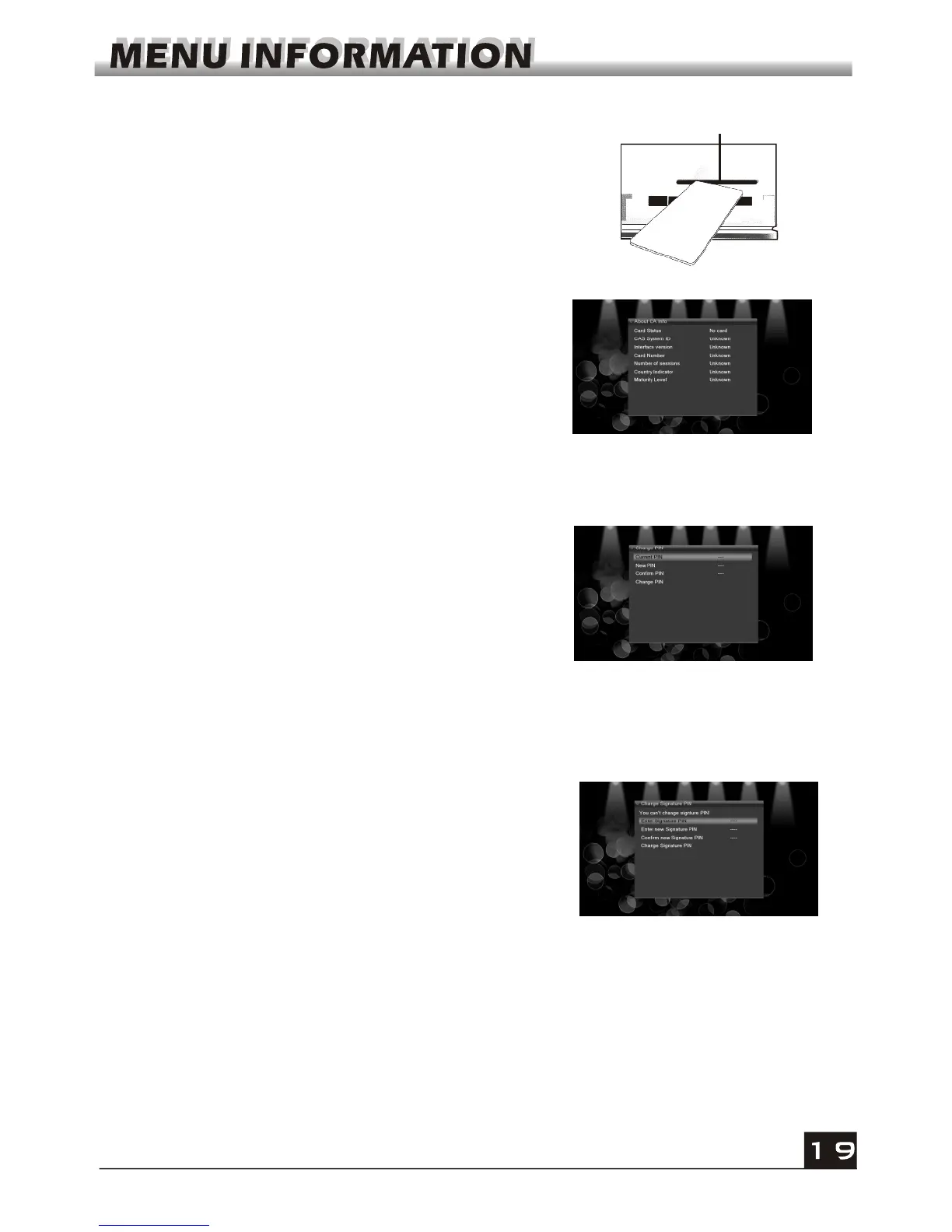
CA Slot
Insert the smart card with the golden chip facing down.
Push the smart card into the CA slot. Only a few
millimetres of the card should be visible outside the slot.
2.2.1 About CA Info
In About CA Info sub-menu, you can know the basic
information about this conditional access such as
Card Status, CAS System ID, Interface Version, Card
Number, Number of sessions, Country Indicator, and
Maturity Level.
2.2.2 Change PIN
Changes PIN window is designed for changing the
smart card's PIN, which is required if you want
change the maturity level settings.
In order to change the PIN, you must know the
current PIN also called the old PIN. Input the new
PIN and twice the PIN (New PIN and Confirm PIN
must be the same) your want to set. Move cursor to
OK button and press OK key, and then system will
pop up a dialogue informing you the changing result.
Note that the PIN can only constructed with Arabic numerals.
2.2.3 Change Signature PIN
Do the same way as the above Change PIN.
Note: The signature PIN will be locked after the
three erroneous attempts to enter the correct PIN. If
locked, please call the dealer for help.
2.2.4 Maturity Level
Input the PIN then Move cursor to Select Maturity level,you can select A-Over18,X-
Erotic,G-General audience,PG-Parental Guidance,move cursor to Change Maturity level
button and press OK key,and then system will pop up a dialogue informing you the
changing result.



 To Next Page