3.5 Accepting Payment (with integratred Point of Sale)
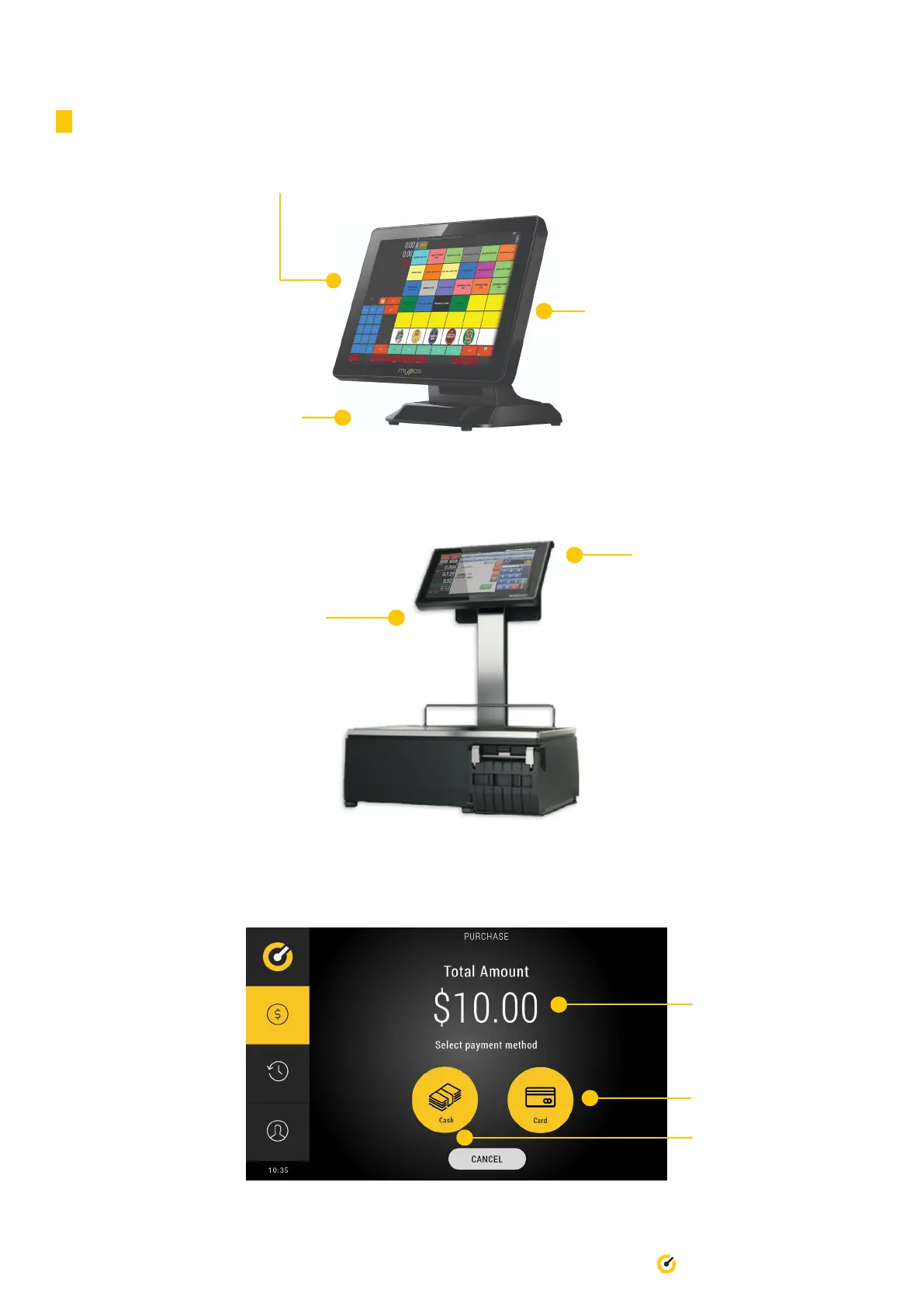
1. Power up the POS system. This will automatically turn on the device.
3. Once the application starts,
select “register”. Your POS & weight
scale is now integrated with Till Pro.
2. Select “mypos” to run the application.
5. On your POS screen, select “Till” as
payment type. The Till Pro will prompt
the customer to pay the desired amount.
4. Place item on weight scale
or select predetermined sale
amount.
12 Till Pro User Guide
6. The operator will be promoted to select the type of payment.
Card payment option
Total amount displayed
Cash payment option


 To Next Page