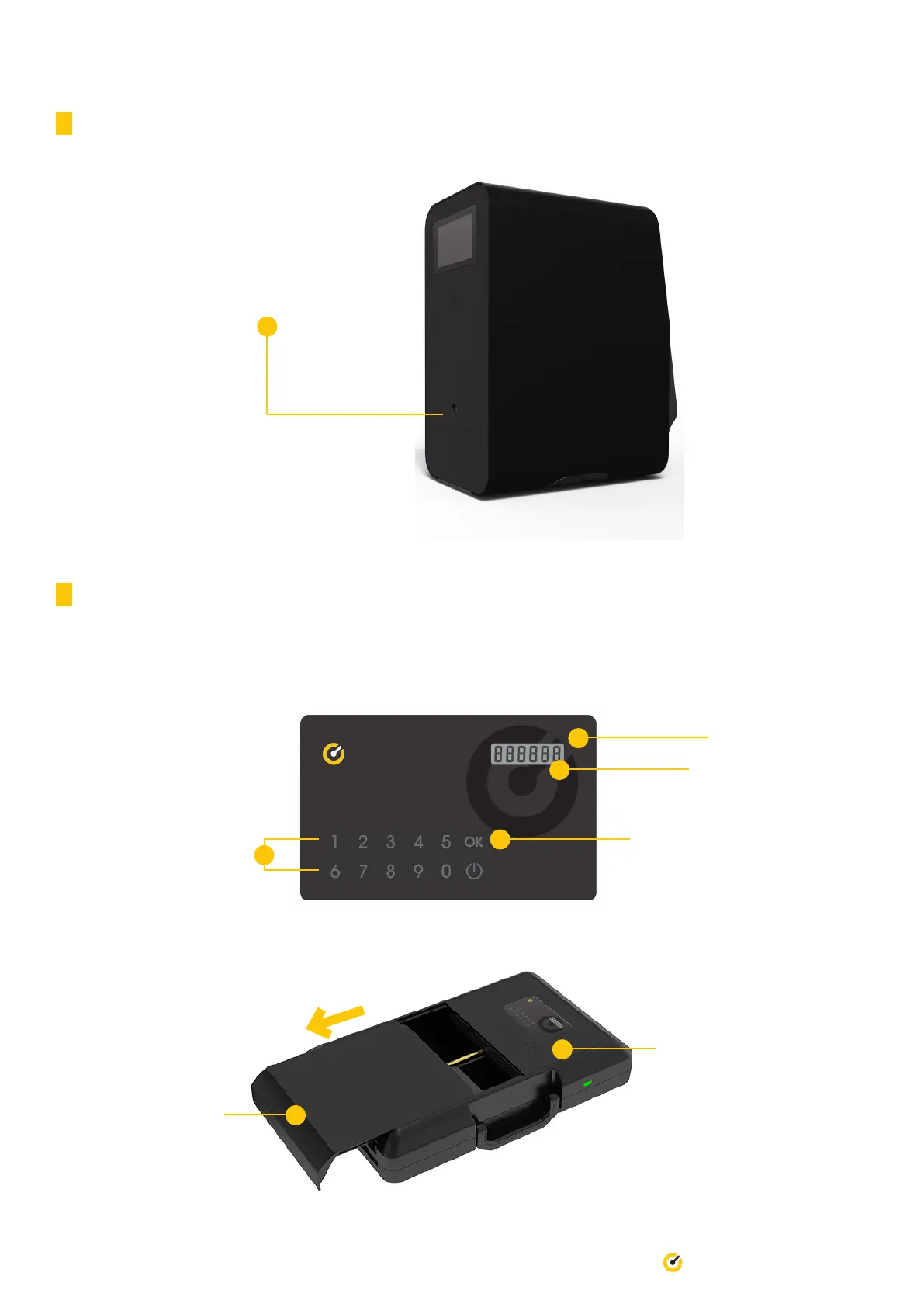
3.8 Powering Off Pro
Press the power button located at the
back of the Pro to power off the device.
3.9 Opening/Closing Secure Case
17 Till Pro User Guide
1. On the Till Access Card, press the power button to activate the card. Press ‘0’ and ‘OK’. Repeat this three (3) times.
Press ‘OK’ and this will generate a unique code for you.
Power button
Unique code will
appear here
‘OK’ button
Number buttons
2. Place Till Access Card ontop
of Till logo to authenticate and
open the door.
3. Once the motor stops,
slide the door out
completely and remove
the cash.


 To Next Page