1 2
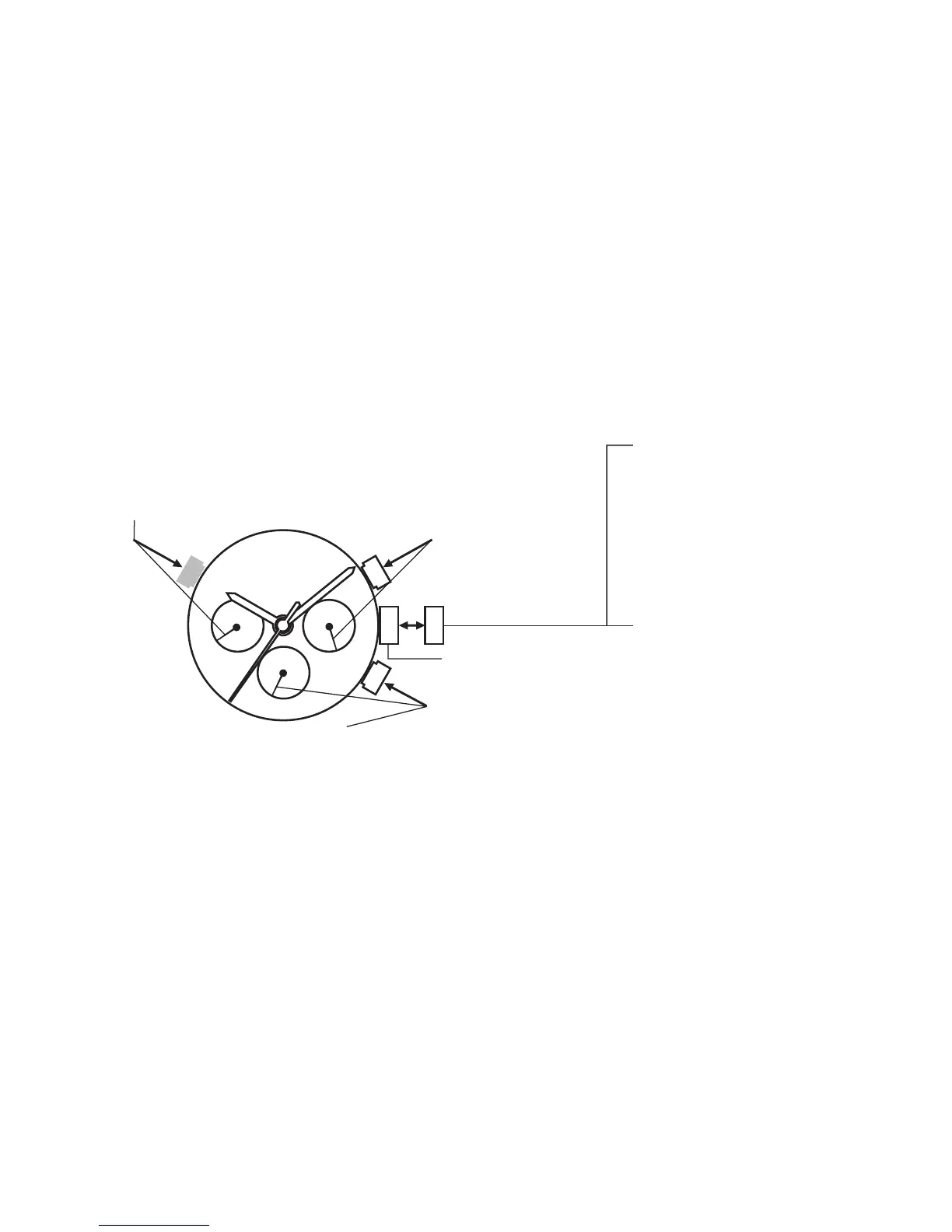
Normal position,
watch runs
Time setting:
To rotate the hour and minute
hands to show the correct
time. Push crown back to
position 1.
*24hours hand will move
accordingly.
B button
Quick correction of 2nd time zone
*When using this button to set the 2nd time
zone, the centre minute hand must be set to
between 55th and 05th minute at any hour.
C button ( optional, not available in
some models )
Quick correction of Day
press 2 times to advance one day
*Do not use this button between
22:00pm to 6:00am
A button
Quick correction of Date
Day setting:
to rotate the hour and
minute hands
clockwise.
Note : The day is
changed during the
period from about 0:00
AM to about 4:00 AM.



 To Next Page