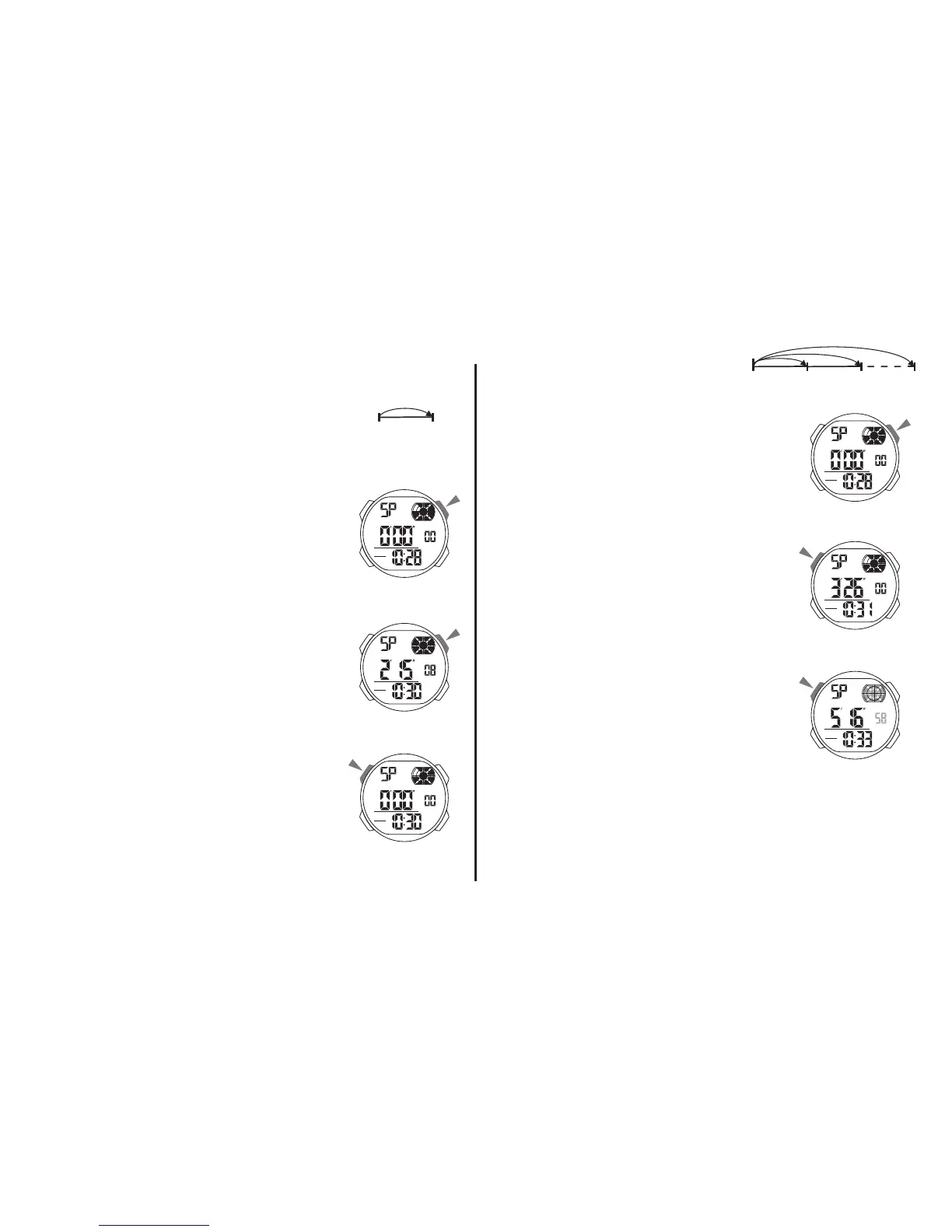
b. STOPWATCH Split Time
A Lap Time
1. In the stopwatch mode,
press “D” to start the stopwatch.
2. To stop the stopwatch by
pressing “D” again.
3. Press “A” to reset the stopwatch.
1. In the stopwatch mode,
press “D” to start the stopwatch.
2. Press “A” to display the split time,
stopwatch timing continute internally.
3. Press “A” to clear the split time and
to continute time measurement.
4. Repeat step 2 and 3, you can measure the multi
split time.
5. Press “D” to stop the stopwatch.



 To Next Page