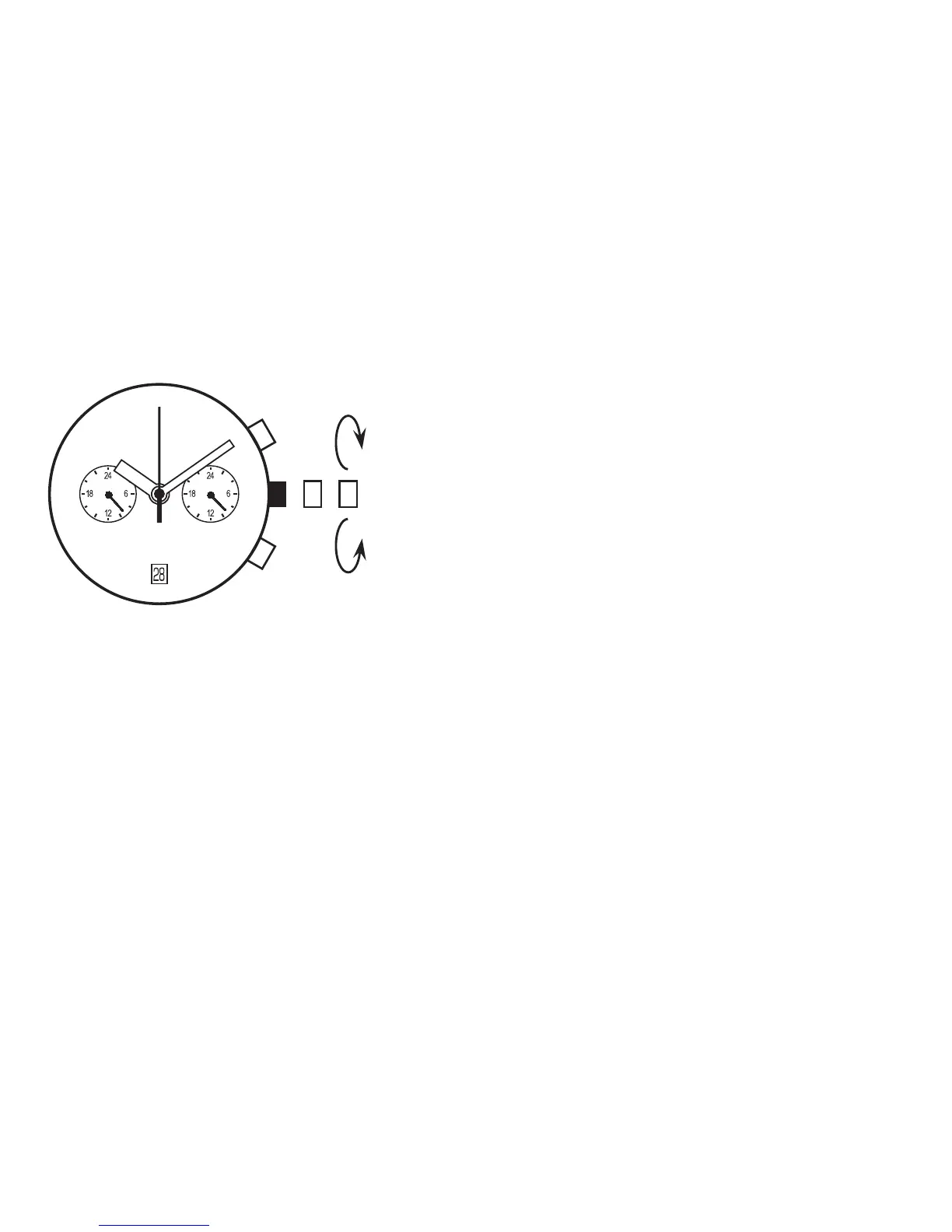
TIME SETTING
1. Pull out the crown when the second hand is at the 12 o’clock
position.
[ Crown position ]
VD31...second click.
VD32...first click.
2. Turn the crown to set the hour and minute hands. (Check
that 24 hour hand is set correctly)
3. Push the crown back normal position in accordance with a
time signal.
Note
* The 24 hour hand moves correspondingly with the hour hand.
* The moment of the date changes is midnight. When setting the hour hand, make sure that AM/PM is
correctly set by using the 24 hour hand as an AM/PM indicator.
• Using the time difference correction
When moving to a country or area which is in a different timezone, the current time in the local time can
be corrected.
1. Crown at the normal potion.
2. To adjust the time by pressing the button A or B.
* By pressing button A the hands move counter clockwise. -1 hour / push
* By pressing button B the hands move clockwise. +1 hour / push



 To Next Page