d. DUAL TIME
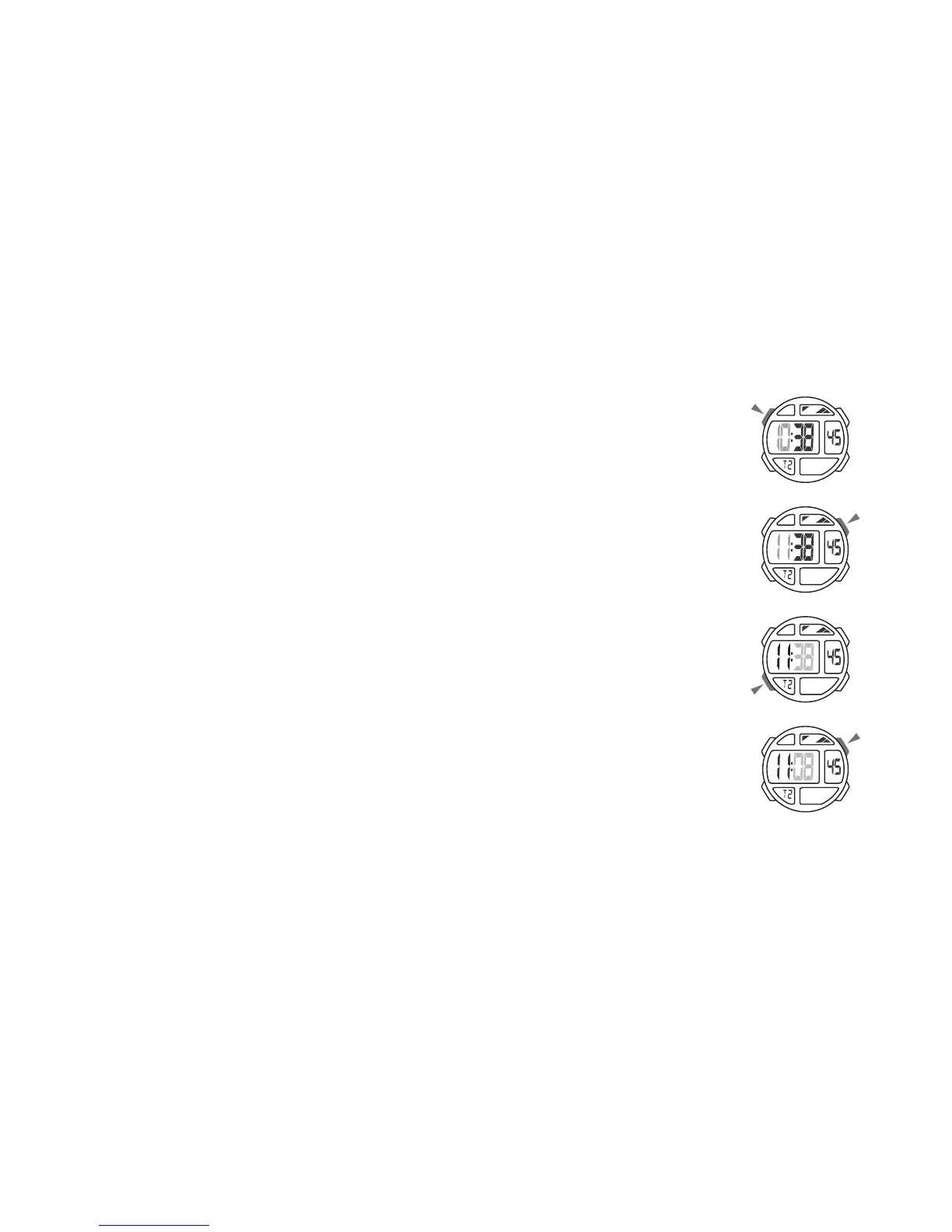
Dual Time Setting
1. In the dual time mode, press “A” the hour to flash
(flashing indicated in set mode).
2. Press “D” to increase the hour, press and hold to
increase at high speed.
3. Press “B” to select the minutes.
4. Press “D” to change the minutes (press once change
30 minutes).
5. Press “A” to exit the set state, after you set.



 To Next Page