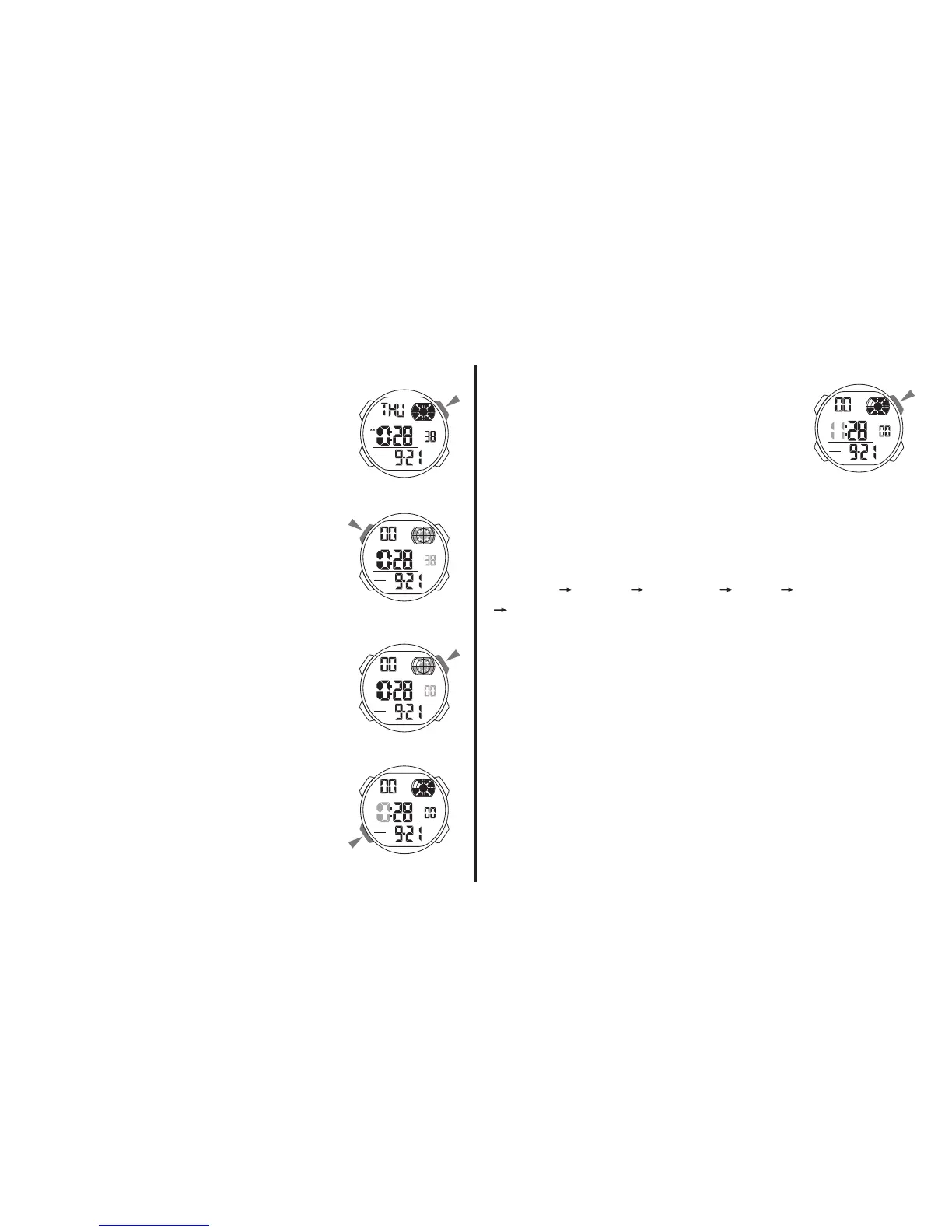
a. TIMEKEEPING
12/24H Format
• In the timekeeping mode, press “D”
to switch between 12/24H formats.
Time Setting
1. In the timekeeping mode, press
“A” the seconds to flash (flashing
indicated in set mode).
2. Press “D” to reset the
seconds.
3. Press “B” change to the next
selection.
4. Press “D” to increase the number,
press and hold to change at high
speed.
5. Repeat step 3 and 4, the selection in the
following sequence:
Seconds Hour Minutes Year Month
Date.
6. Press “A” to exit the set state, after you set
(The day of week is auto displayed in accordance
with year, month and date setting).



 To Next Page