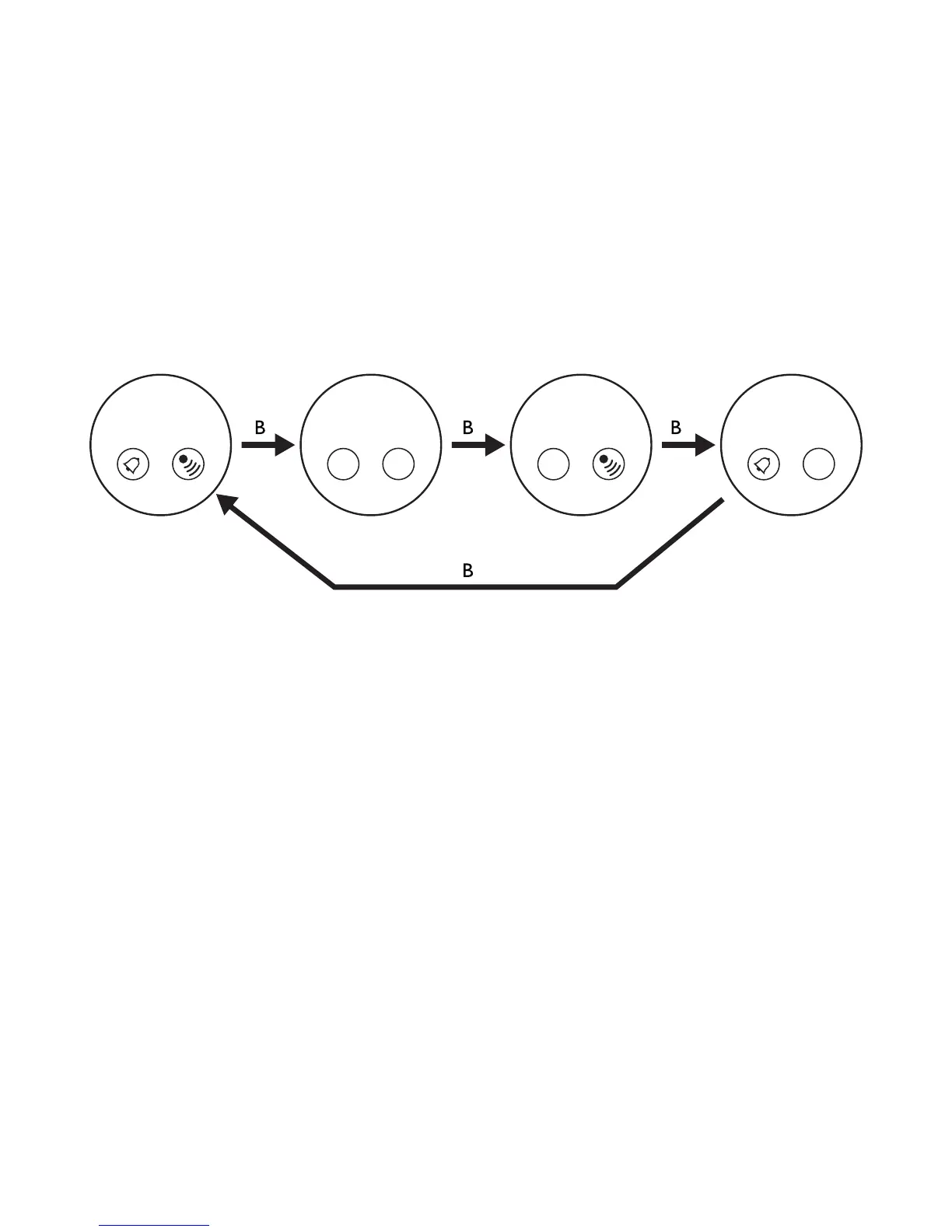
* When alarm is on, it will beep for 20 seconds when reaching the set time.
* When setting the alarm time, press and hold B will activate the fast advance of numbers.
* If no button is pressed for 60 seconds, the alarm setting mode will return to normal alarm mode.
5. Second Time Zone Setting - Press B to enter the 2nd time zone mode. Press C for 2 seconds will
enter the second time zone setting mode, hour will flash, press B to select the hour. Press C will
flash the minute, press B to select the minute. Press C to flash the 12/24 selection, press B to select.
* When setting the time, press and hold B will activate the fast advance of numbers.
* If no button is pressed for 60 seconds, the 2nd time zone setting mode will return to normal 2nd time
zone mode.
6. Stopwatch Operation - Press B to enter the stopwatch mode. Press C to start the counting. Press
again C to stop the counting. Press and hold C for 2 seconds will reset to zero.
chime on chime off chime off chime on
alarm on alarm off alarm on alarm off



 To Next Page