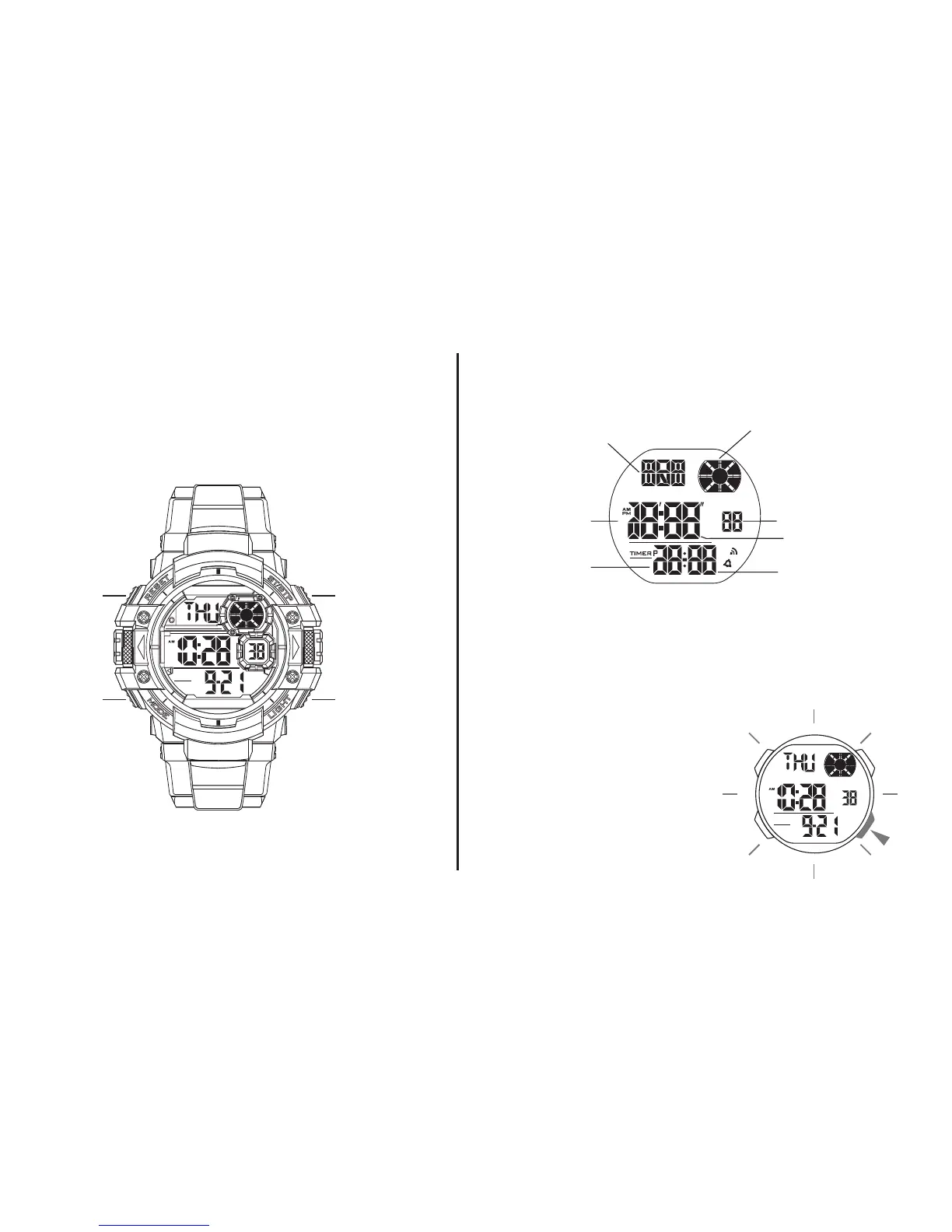
Date
Seconds
Minutes
Day of week
Hour
Month
(Cartoon)
BUTTONS
• Button operation are indicated using
the letters shown in the illustration.
DISPLAY
• The screen shown in below:
BACKLIGHT
• The backlight that uses an EL (electroluminescent)
cause the display to glow for easy reading in the dark.
Start / Stop
EL backlightMode
Reset
Use EL Backlight
• In the timekeeping mode,
press “C” to illuminate the
display about 3 seconds.



 To Next Page