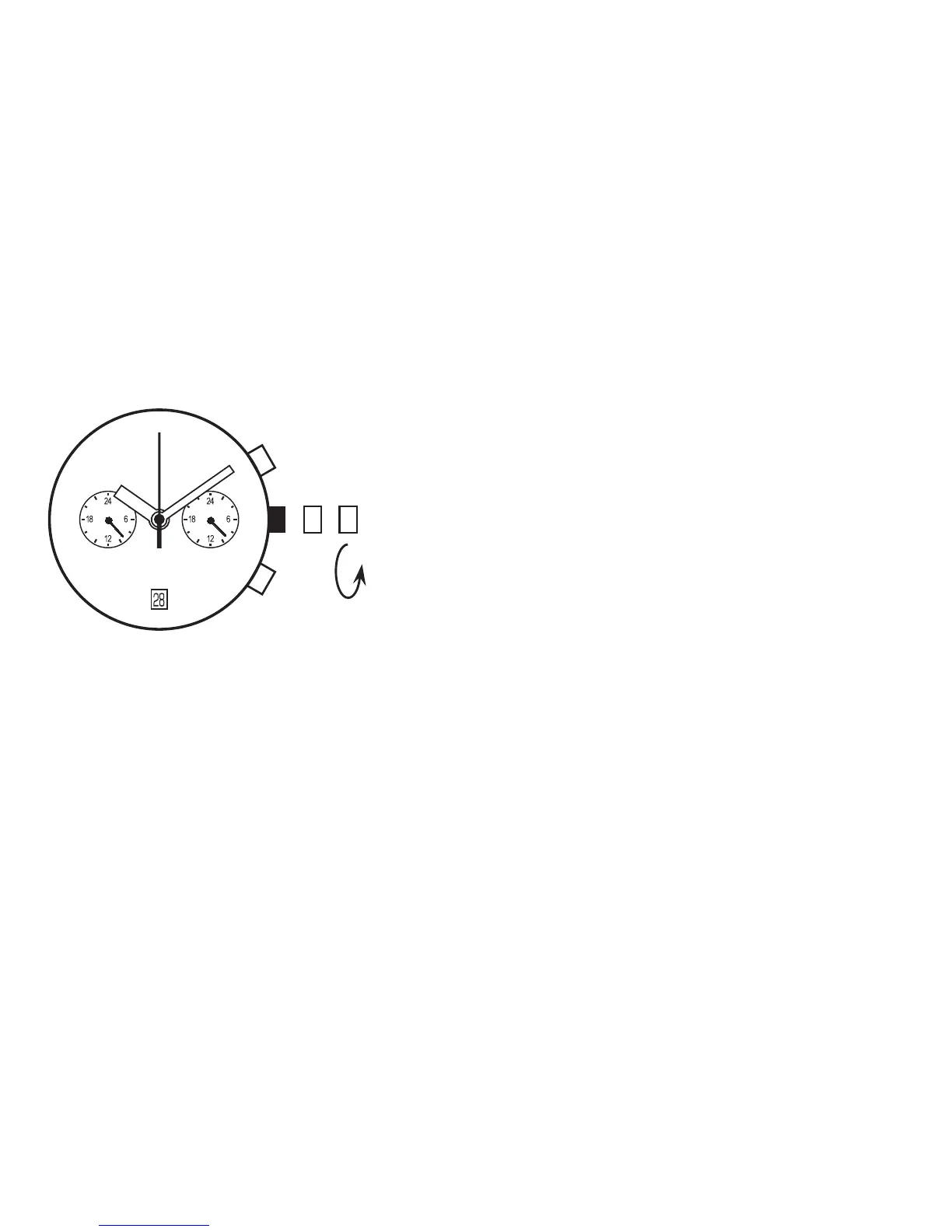
DATE SETTING...Cal.VD31 only
Note
* Do not set the date during any time between 9:00 P.M. and 1:00 A.M.
Otherwise, the date may not change properly. If it is necessary to set the date during that time period. First
change the time to any time outside it, set the date and then reset the correct time.
1. Pull out the crown to the first click.
2. Turn the crown to clockwise until the next data appears.
3. Push the crown back in to the normal position.



 To Next Page