B) SETTING THE TIME
1. Pull the crown out to the 1st Click Position.
2. Turn the crown to set hour and minute hands.
3. After the time has been set, push the crown back to the Normal position.
C) USING THE STOPWATCH
This stopwatch is able to measure and display time in 1/1 second united up to maximum of 30 minutes.
Stopwatch will stop automatically after running continuously for 30 minutes.
[Measuring time with the stopwatch]
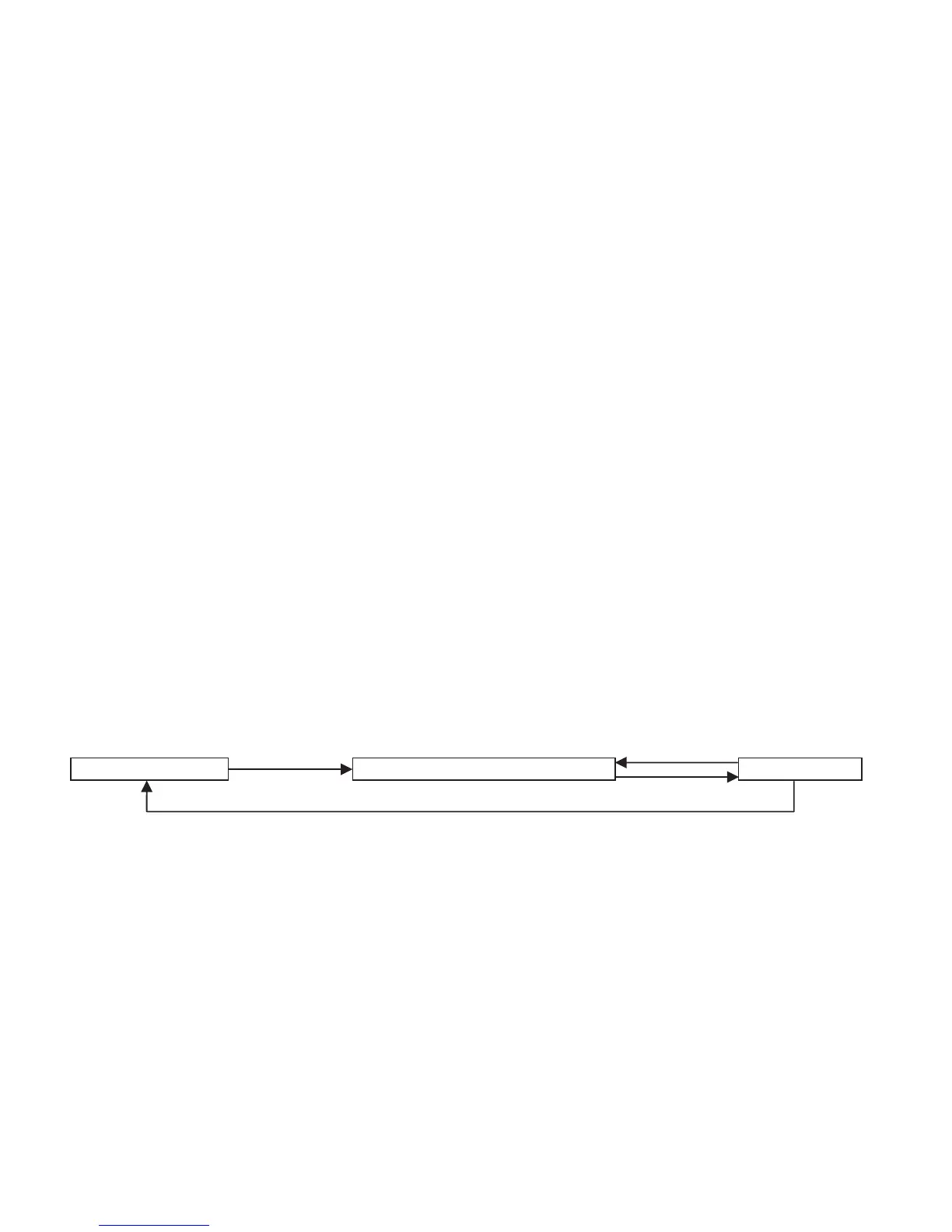
1. Press button "A" to start the stopwatch.
2. The stop watch can be started and stopped each time button "A" is pressed.
3. Pressing button "B" resets the stopwatch and stopwatch minute and second hands return to their
Zero positions.
“A”
“A”
“B”
“A”
Time MeasurementReset Stop



 To Next Page