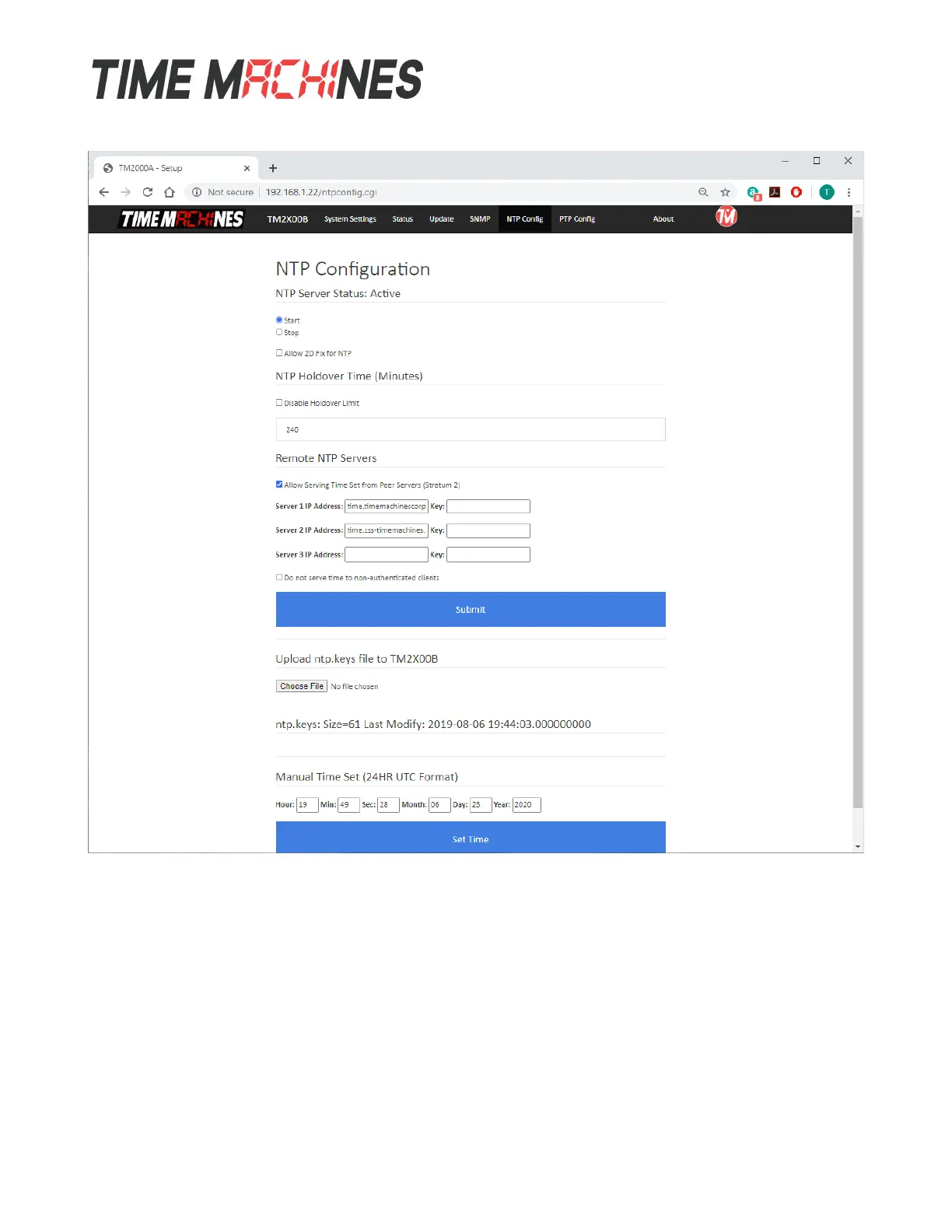
3.7 NTP Settings Page
The NTP Settings page is used to control the function of the NTP client and server options of the
TM2X00.
3.7.1 Start / Stop NTP Server
The NTP daemon can be started and stopped from this page. By default, NTP support is enabled once
3D lock is achieved. Click the desired option and then click the Submit button. Once a time source is
available, GPS, Peer, or Manually Set, the TM2X00 will enable the NTP server service and NTP
requests will be allowed.
Installation and Operations Manual | Page 13
Web / timemachinescorp.com Email / tmsales@timemachinescorp.com Phone / (402) 486-0511



 To Next Page