14
Date and Time
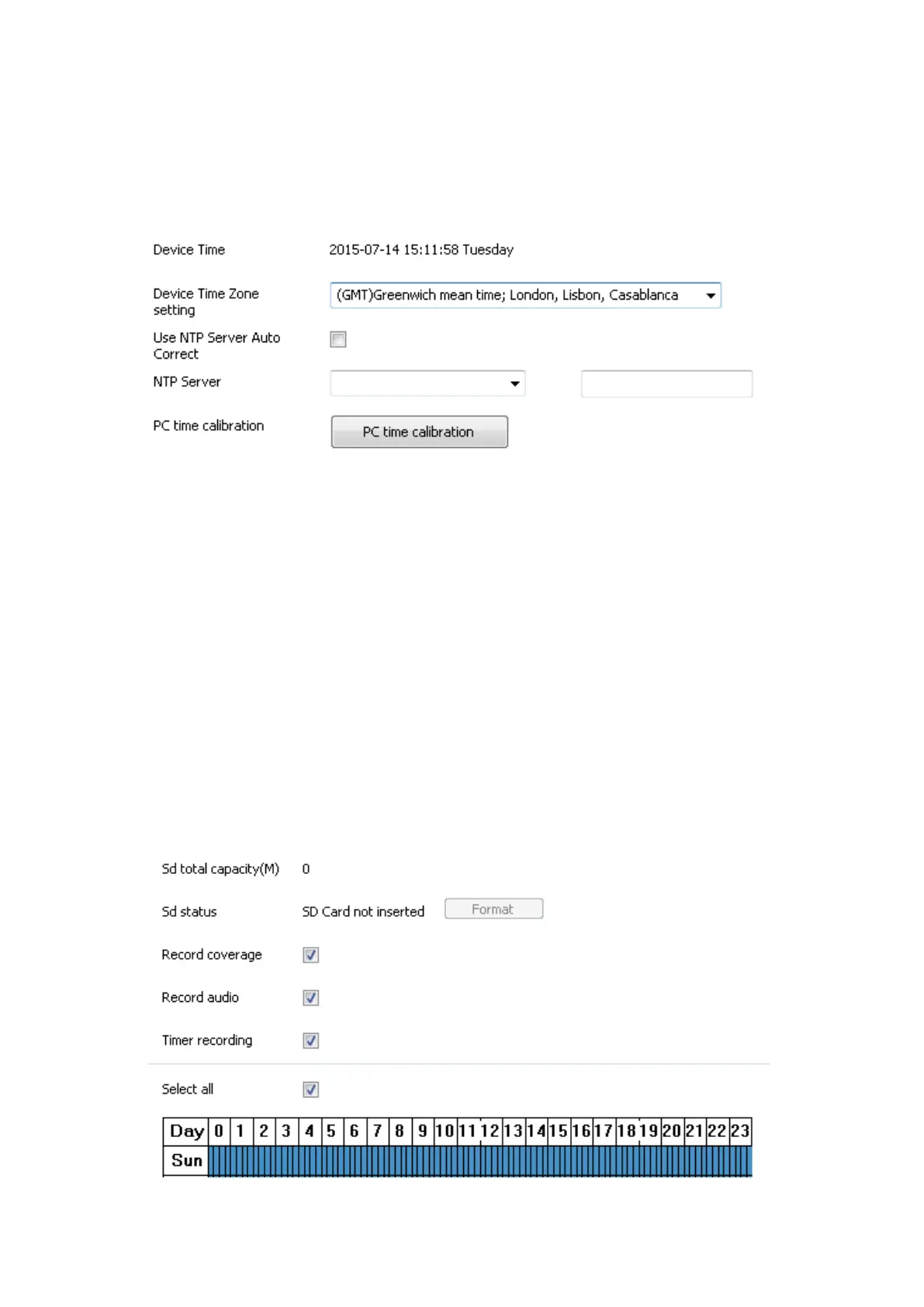
Set the Date and Time according to your Time Zone or simply
synchronise to your PC time.
SD Card Settings
This gives you all the information about the device. e.g. Firmware
version, serial number, Alarm status, SD card capacity etc.
When first inserting an SD Card, you will be required to format the
SD card (simply click the format button). Once formatted, you will
be able to select conditions such as ‘Record audio’ or ‘Timer
recording’ etc.
Alternatively, you could specify the times you would like the camera
to start recording. Once complete, click the Set button to save the
changes.



 To Next Page