36
Search device in LAN
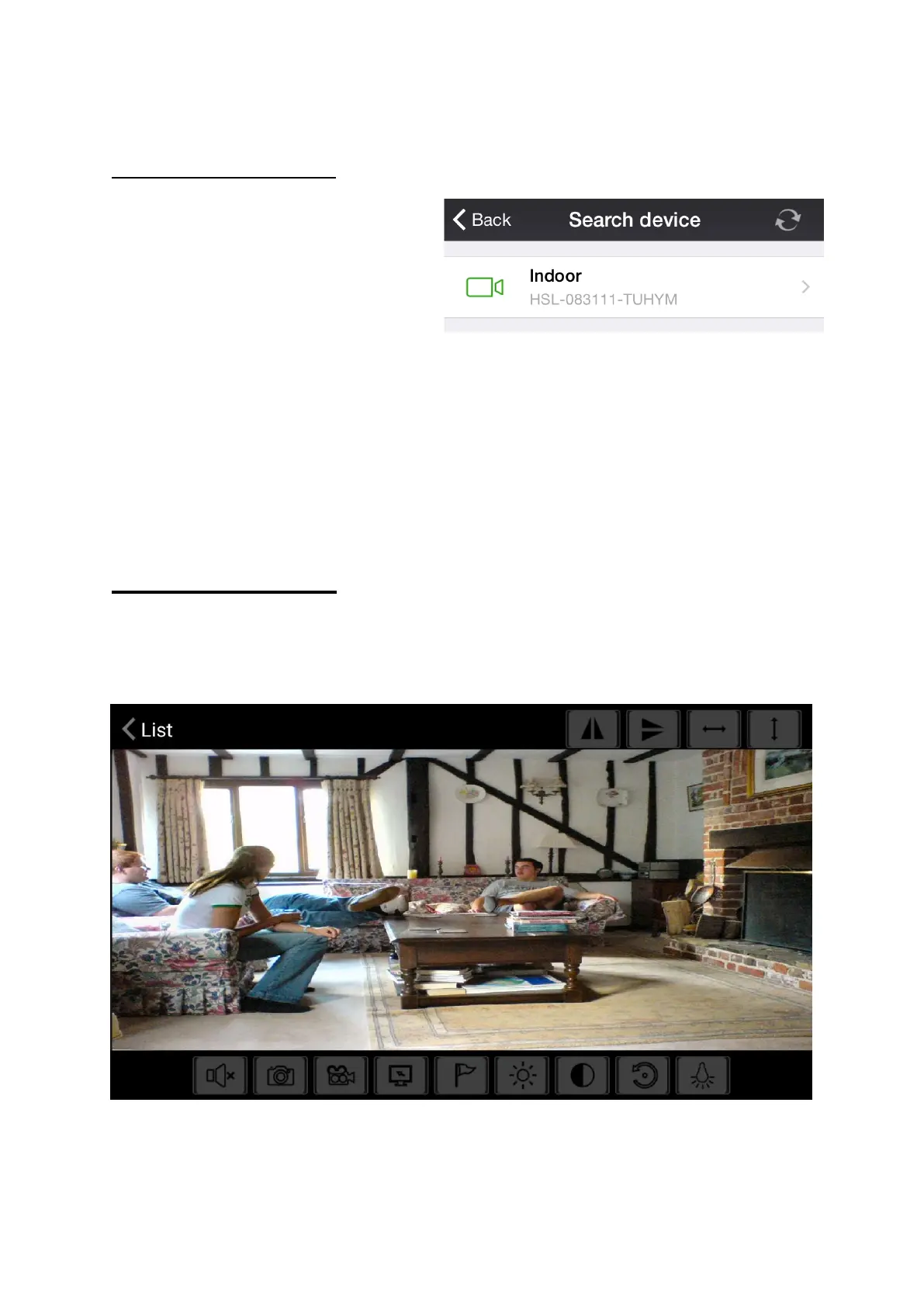
This will allow the iPhone/iPad
to search the WiFi network
that it is connected to and
detect any Cameras that are
also connected to the same
WiFi network.
Simply click onto the camera you would like to connect to, the
Camera details will be automatically filled in and the camera will be
ready to control.
Camera Controls
Once the camera has been added to the Device list, simply click on
the device to view.



 To Next Page