32
Network Configuration
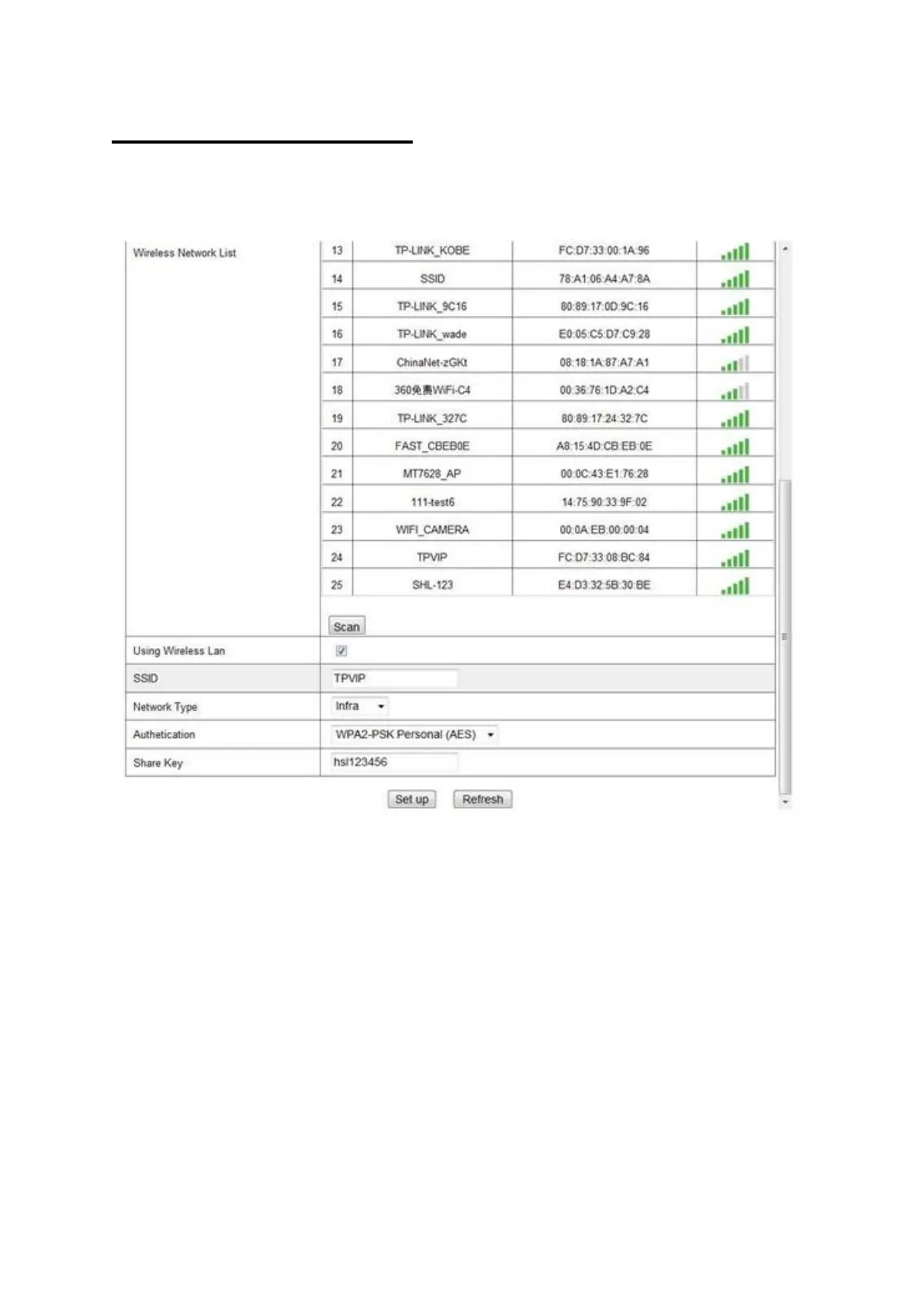
Wireless Network Settings
Click ‘Scan’ to search for existing wireless networks then select the
network you would like to connect to. Enter the password then click
‘Setup’. The camera will automatically configure itself with the
router.
This function is used to setup the wireless function. The device will
restart once the settings have been configured. You can then
unplug the Ethernet Cable from the wireless router to test whether
the camera works remotely.



 To Next Page