44
Android Application
Downloading the App
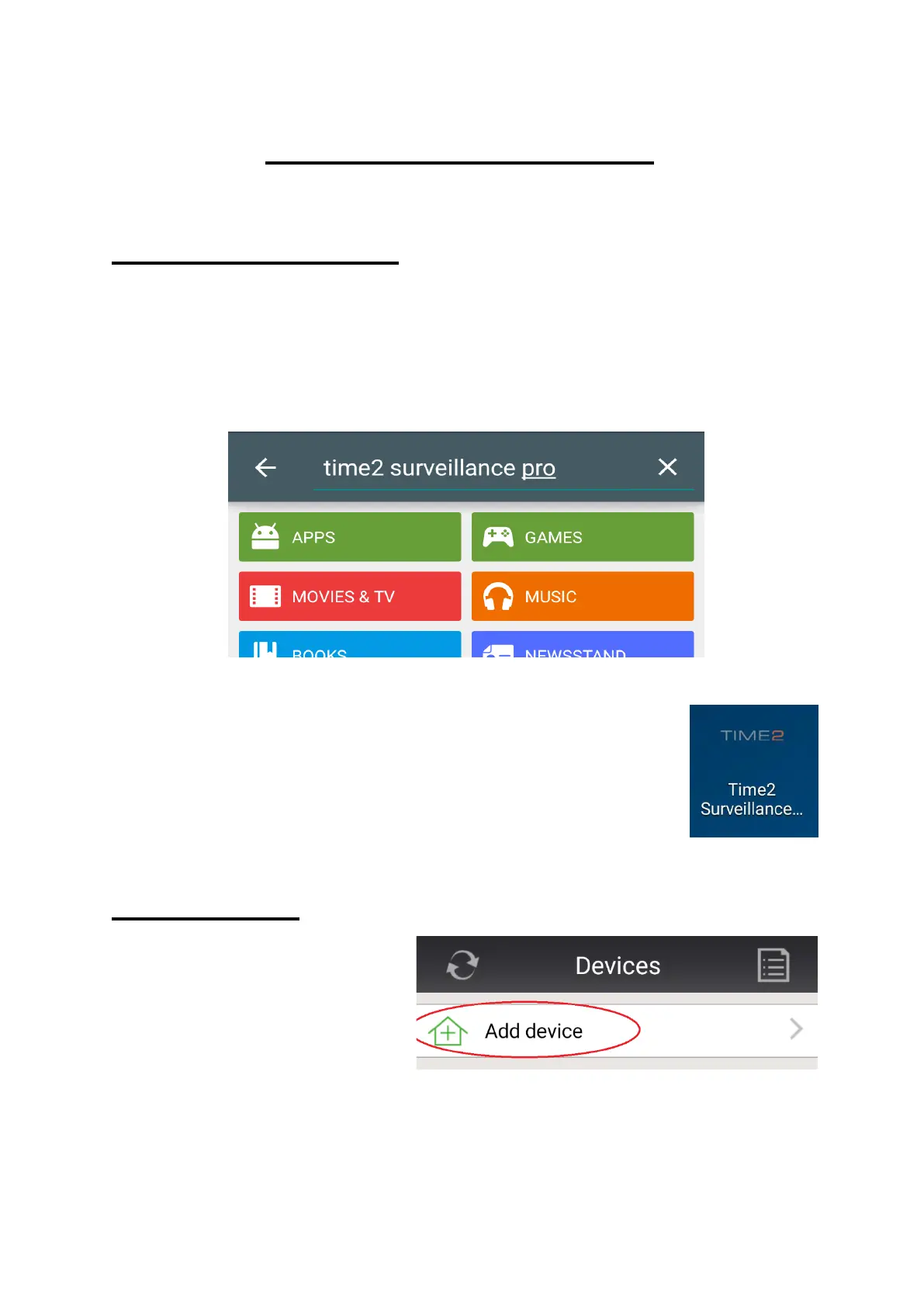
In order to download the Android application, go to the Google
Playstore on your Android device.
Search Time2 Surveillance Pro then download and install the App.
Once the App has been installed onto your Android
device, a shortcut icon will appear on your App list.
Simply click to open.
Camera Setup
In order to setup your
camera onto your Android
device, click ‘Add device’
on the App interface.



 To Next Page