18
Mail Notification after alarm
Activate this feature to receive an email notification as soon as the
alarm has been triggered (by motion detection or audio alarm). You
will be required to set up your mailbox in order to receive the
emails.
Upload Image after alarm
Activate this feature to receive images once the motion detection
alarm has been triggered. You can choose for up to 10 images to
be emailed to yourself.
Alarm armed time
Activate this feature to schedule when the alarm setting is on.
Alternatively, you could have the alarm setting on all the time.
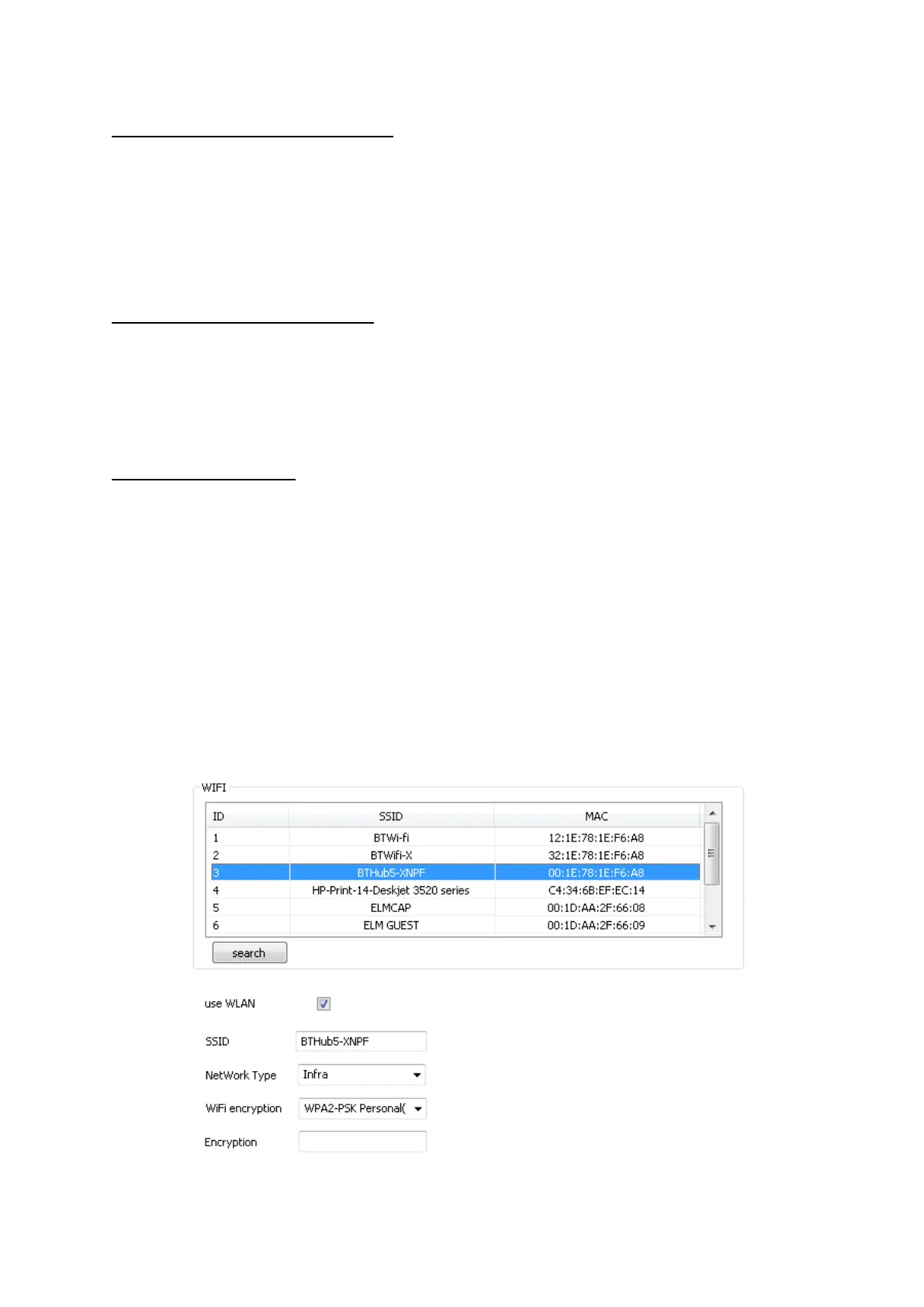
WiFi Settings
The Wireless Settings can be set and changed by clicking on this
tab. Please note: when setting the camera up for the first time, it will
need to be wired into the internet router first, before the wireless
function is activated.



 To Next Page