34
iOS Application
Downloading the App
In order to download the iOS application, go to the Apple App Store
on your iPhone/iPad.
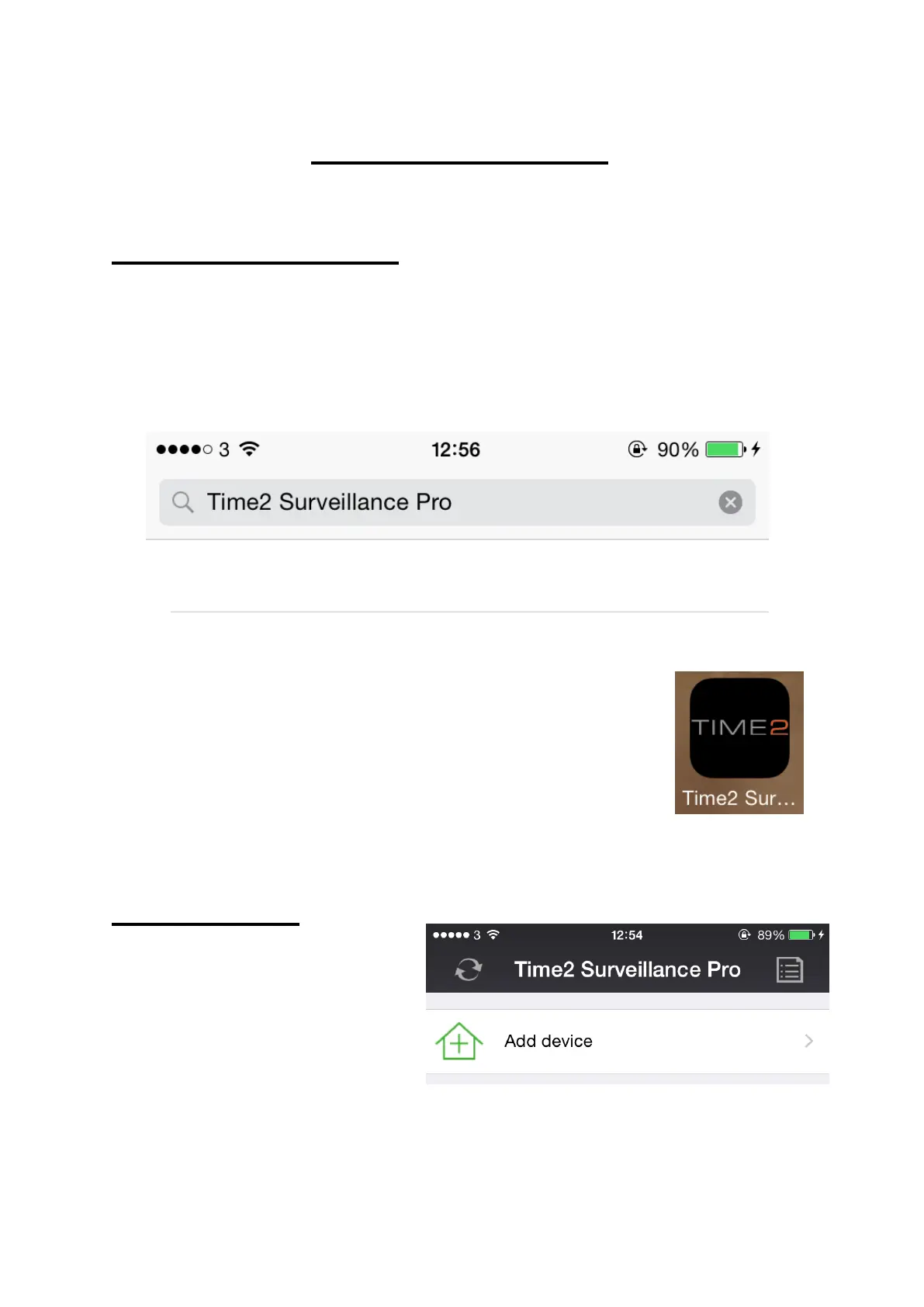
Search Time2 Surveillance Pro then download and install the App.
Once the App has been installed onto your
iPhone/iPad, a shortcut icon will appear on your App
list. Simply click to open.
Camera Setup
In order to setup your
camera onto your
iPhone/iPad, click ‘Add
device’ on the App interface.



 To Next Page