22
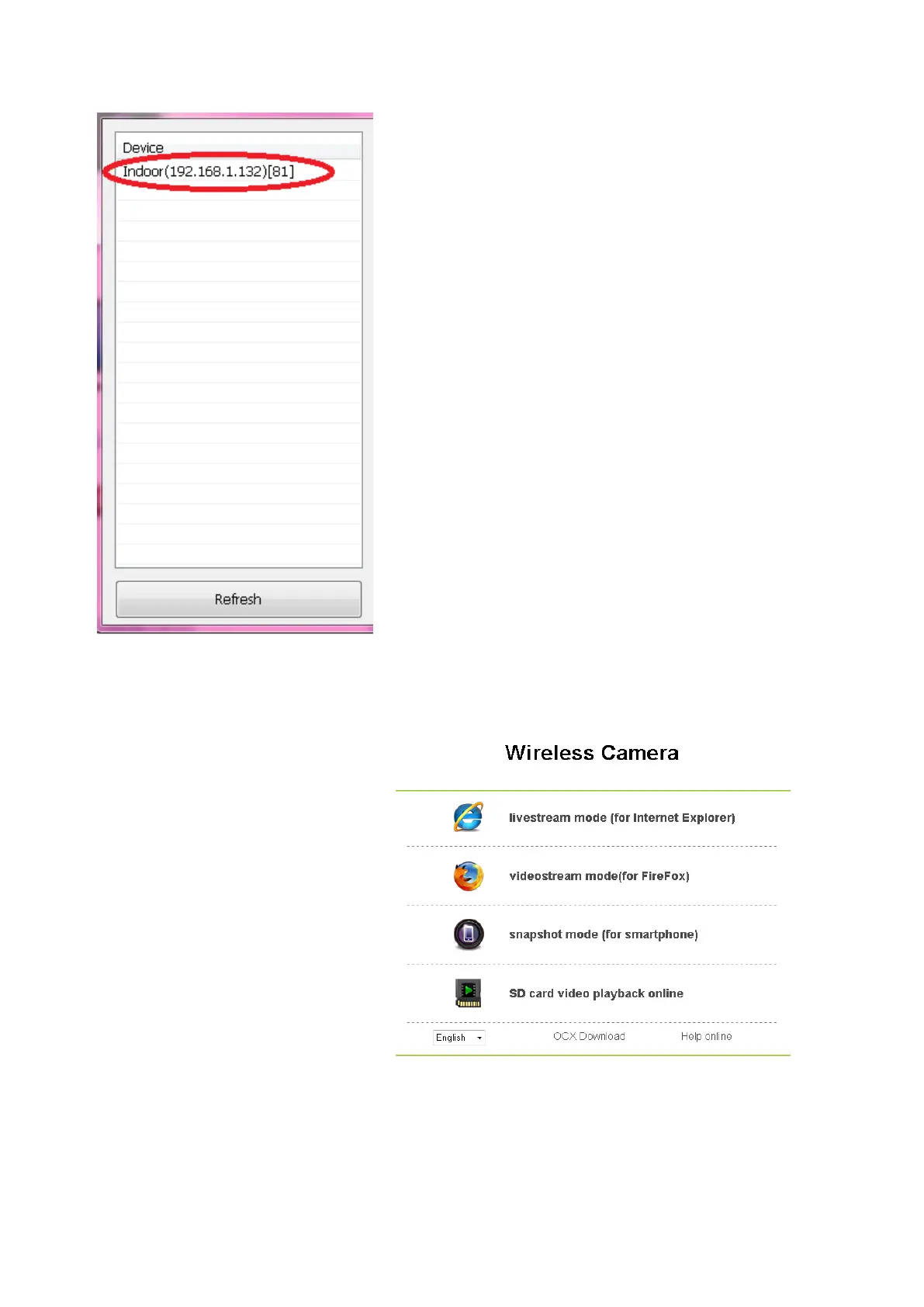
The software will recognise any devices
connected to your WiFi network. This will
appear on your Device list.
If you cannot see any devices, please
ensure the camera is connected to the
same WiFi network as your computer
then click the ‘Refresh’ tab.
Then double-click to connect to this
camera.
By default, there is no password
allocated to the camera. To log in, simply
enter the username (found at the bottom
of the camera) then click Login
You will be directed to another webpage, please click one of the
options listed on the page.
Livestream mode
(for Internet
Explorer)
Videostream mode
(for Firefox)
Snapshot mode
(for smartphones)
SD Card video
playback online
Please click on the dropdown menu on the bottom left hand corner
to change the language to English



 To Next Page