51
Motion Detect Armed
Whilst the camera is on, if any movement is detected, the built-in
motion detector will trigger an alarm. Tick the ‘Motion Detect Armed’
option to activate this feature.
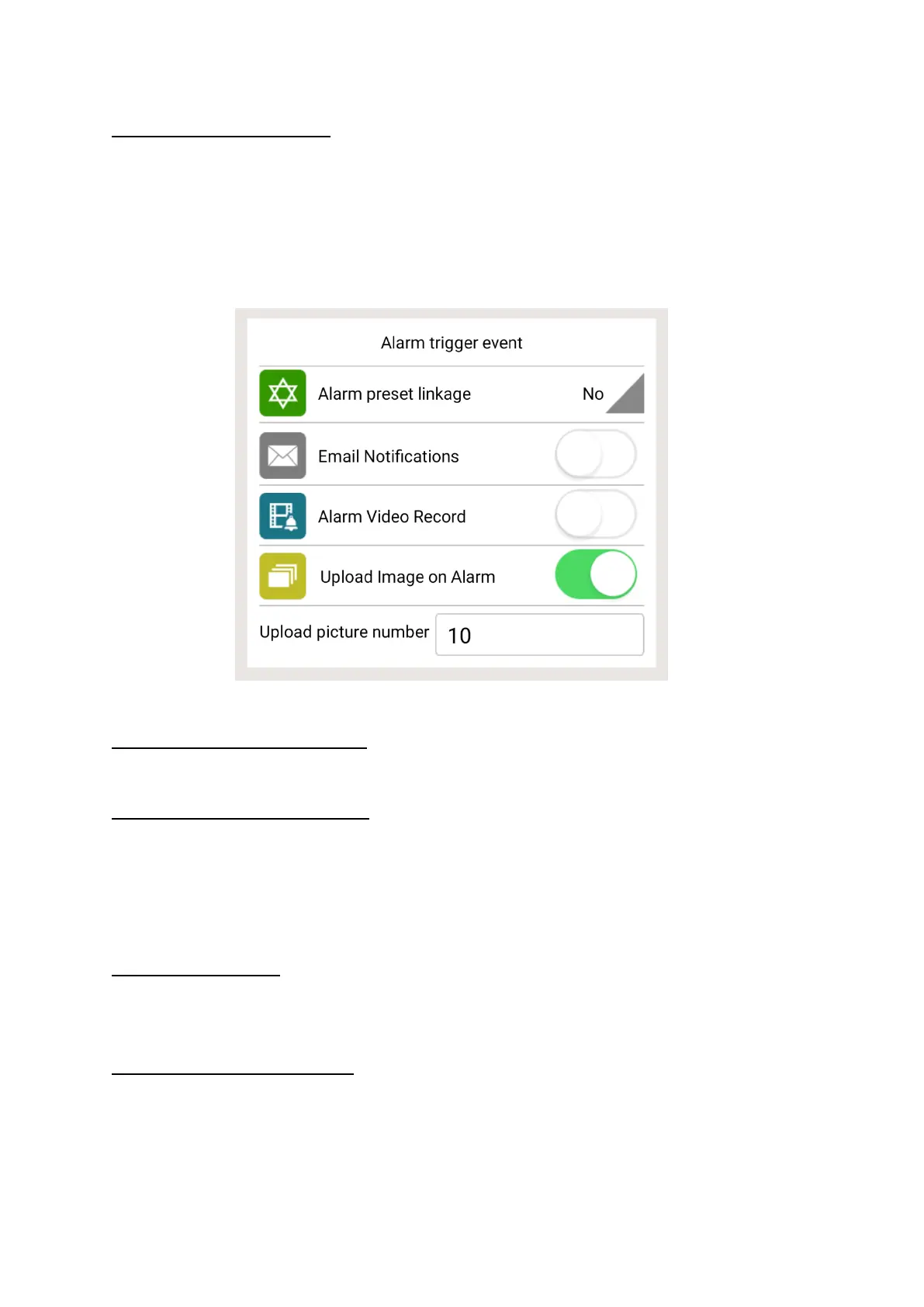
Once activated the following options appear.
Motion Detect Sensibility
Click to adjust the sensitivity of motion detection
Alarmed Mail Notification
Activate this feature to receive an email notification as soon as the
alarm has been triggered (by motion detection or audio alarm). You
will be required to set up your mailbox in order to receive the
emails.
Alarmed Record
When the alarm has been triggered, a 30-second video will be
recorded and saved onto the Micro SD Card
Upload Image on alarm
Activate this feature to receive images once the motion detection
alarm has been triggered. You can choose for up to 10 images to
be emailed to yourself.



 To Next Page