10
• The Copy function can be used to duplicate Start time/temperature periods,
as detailed further in the instructions (read the instructions in full before
you begin).
10.1 To programme or modify the time/temperature periods, press and hold
the Set button for 3 seconds to enter the programming entry mode.
The display light will illuminate
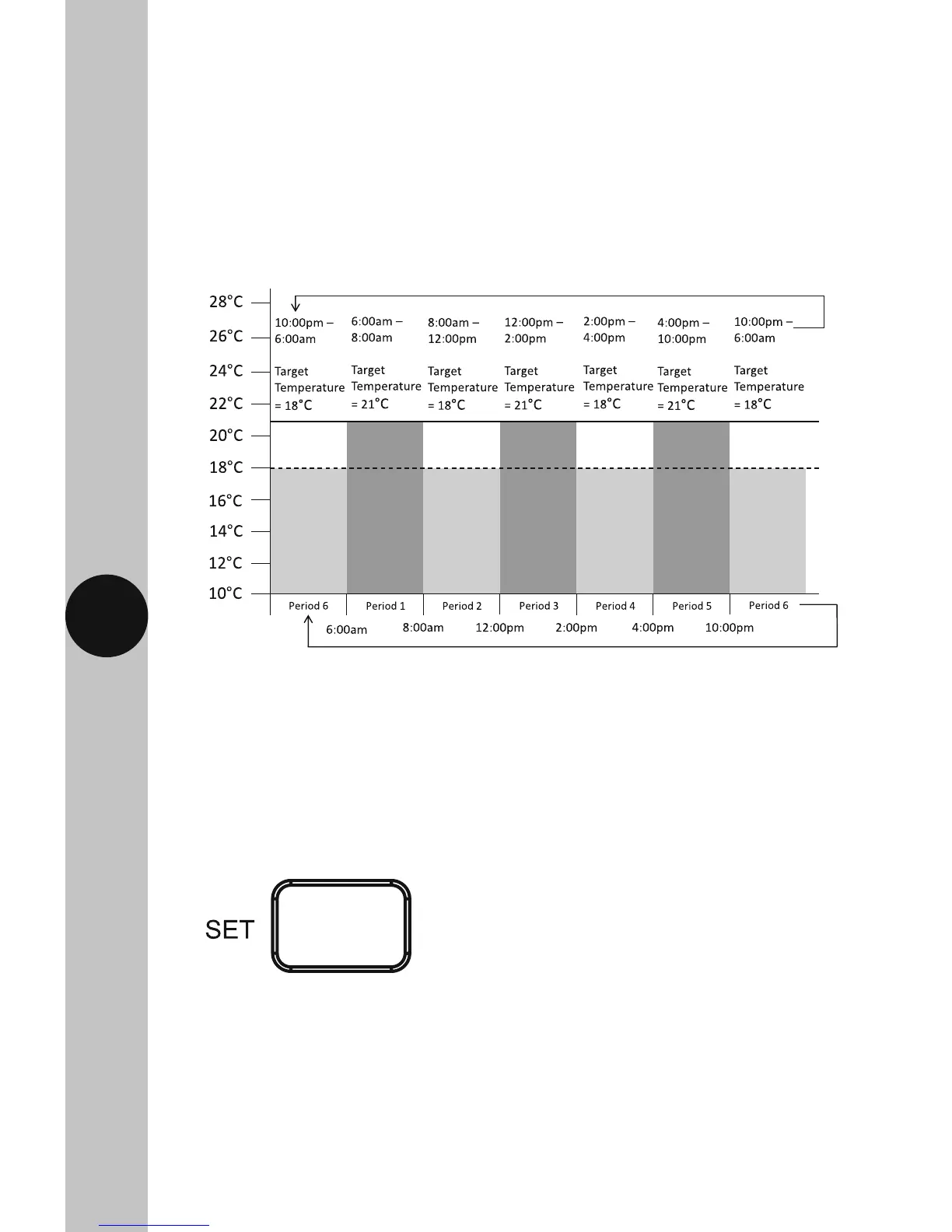
• There are 6 time/temperature controlled periods, and the default programme
for every day is as follows;
06:00AM 21°C
08:00AM 18°C
12:00PM 21°C
02:00PM 18°C
04:00PM 21°C
10:00PM 18°C
Press and hold the Set button for 3 seconds
to enter programming mode.



 To Next Page