15
Sleep Mode
• Press and hold both the + and – buttons for 3 seconds. Whilst active,
all output will be suspended and the display will turn OFF.
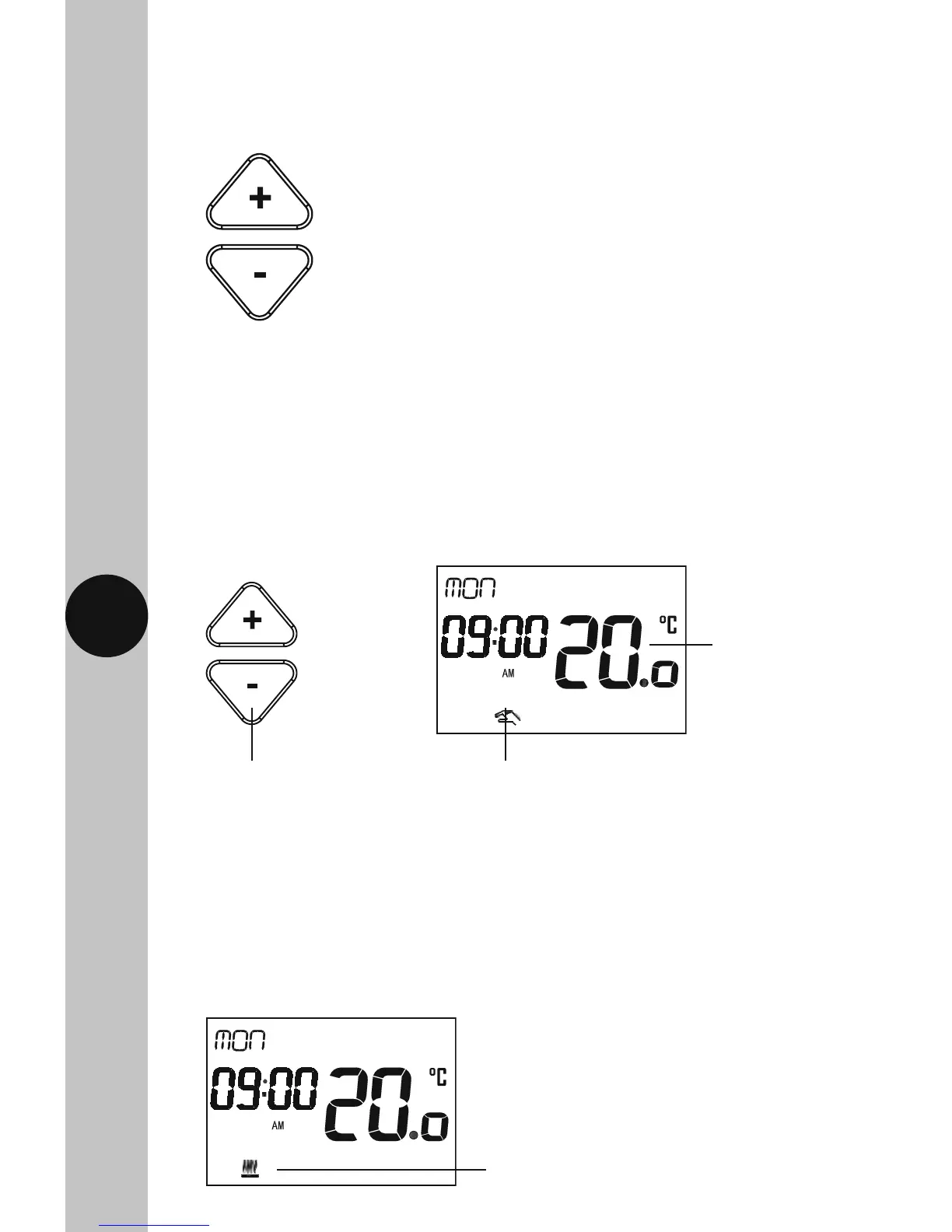
Heating Symbol
• The Heating symbol will show when heat is demanded.
• Press any key to exit Sleep Mode.
Manual Override until Next Programme Change
Note: The display shows the current room temperature and correct time.
• Use the Up/Down arrow buttons to change the set temperature,
the display light will illuminate and the Hand symbol will appear
to show the temperature has been manually changed.
• The set temperature will flash while the change is being made, and will
time out 15 seconds after the last button is pressed. The display will then
revert to show the current room temperature.
The Heating symbol will show
when heat is demanded.
Use the Up/Down arrow
buttons to change the set
temperature
The Hand symbol will appear
to show the temperature has
been manually changed
The new set
temperature will
flash while the
change is being
made



 To Next Page