14
10.14 Repeat step ‘10.13’ until you have copied the programme to all of the
days of the week that are required.
10.15 Press the Set button three times to exit the programme entry.
11. Programme Modes
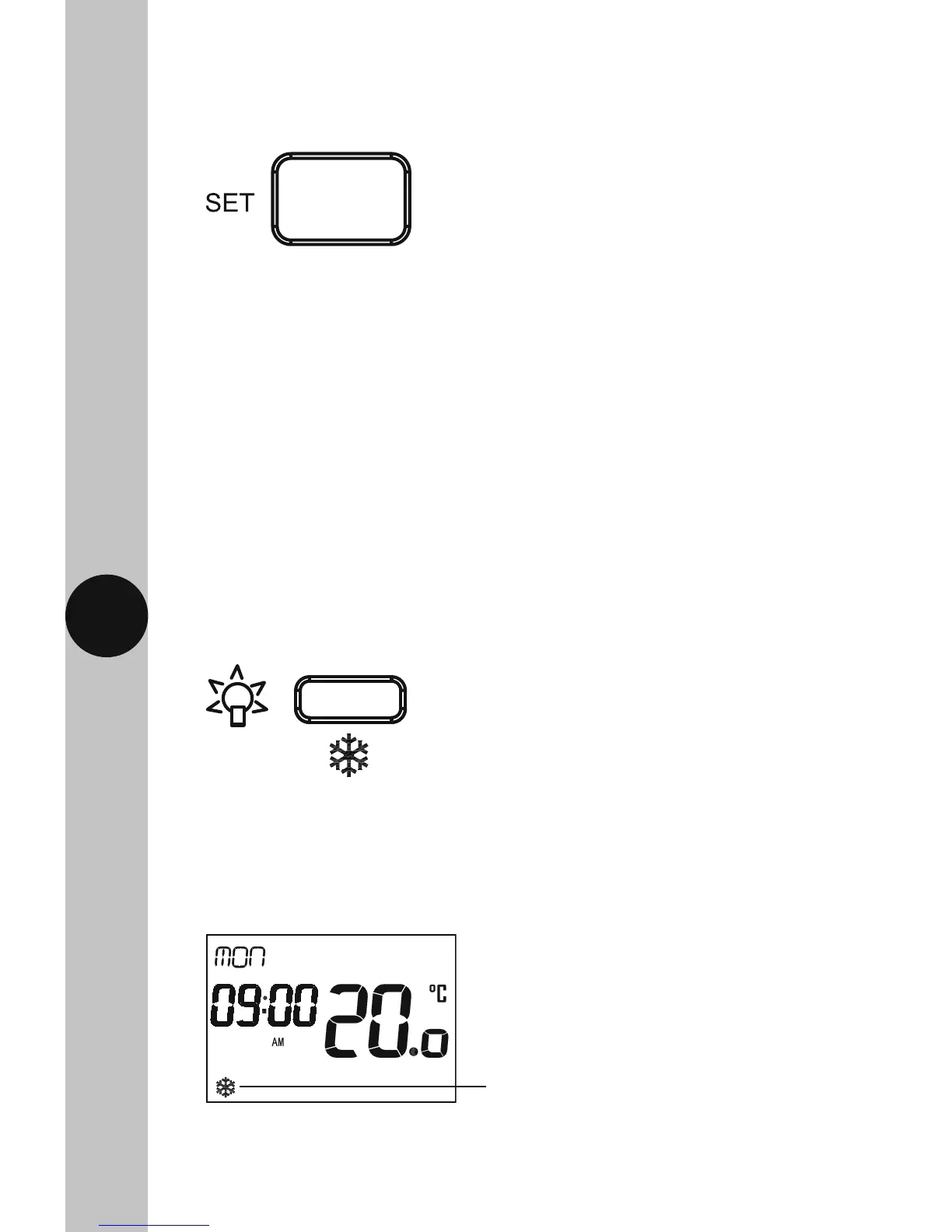
Frost Protection Mode
• Press the Light/Frost Protection button and hold for 3 seconds,
the button surround and display light will illuminate.
• The frost symbol will appear and continuously flash on the screen. The
set temperature will change to 5°C, and the display will show the actual
temperature. The button surround, and display illumination will time out
after 5 seconds.
• To disable the frost protection mode, press and hold the Light/Frost
Protection button for 3 seconds. The frost symbol will disappear.
Note:
• If no button is pressed, it will time out after 60 seconds and return to the
main screen showing day, time and output status.
• The display light will also time out after 15 seconds after the last button
is pressed.
• The Set button can be pressed three times to exit the date and time entry
at any stage.
Frost symbol will continuously
flash when frost protection
mode is active.



 To Next Page