7
8. Reset from Power-up
• Restore mains to the unit after making sure to check all system wiring
is complete, and after you have selected the desired DIP switch settings.
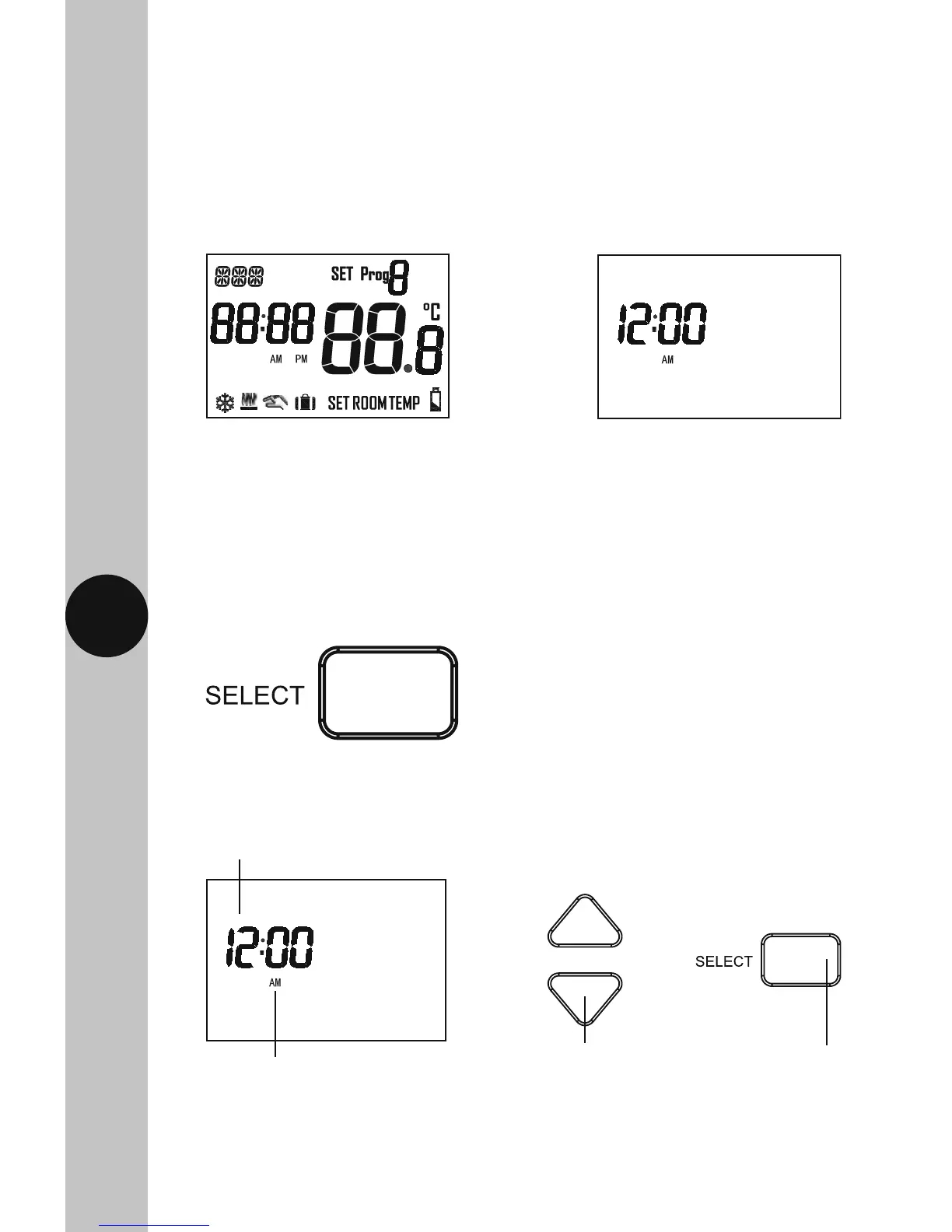
• Press the reset button located beneath the flip down cover on the front
of the unit, all of the characters will briefly appear on the display,
followed by the setting the clock screen.
• After 1 minute the screen will time out showing a default time
of 12:00AM, along with the current room temperature.
9. Setting the Time and Date
• To set/alter the time and date at any time, press and hold the
Select button for 3 seconds. The display light will illuminate.
• The hour will to flash, use the Up/Down (+/-) arrow buttons to alter
the hour and press the Select button once to confirm.
Use the Up/Down arrow
buttons to change the hour
The hour will flash
12Hr AM/PM format
Use the Select
button to confirm



 To Next Page