8
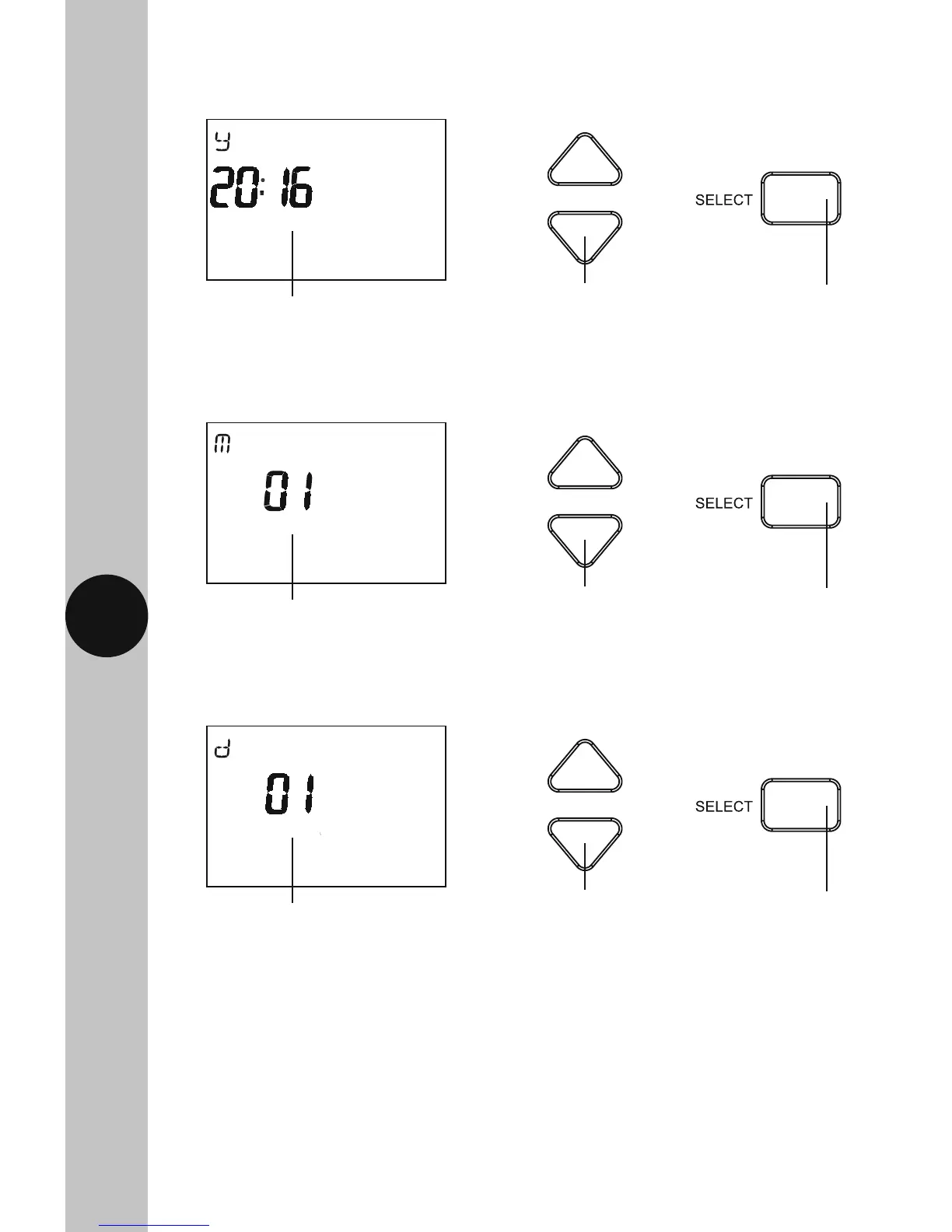
• The year will flash, use the Up/Down arrow buttons to alter the year
and press the Select button once to confirm.
• The day will flash, use the Up/Down arrow buttons to alter the day
and press the Select button once to confirm.
• The month will flash, use the Up/Down arrow buttons to alter the year
and press the Select button once to confirm.
Use the Up/Down arrow
buttons to change the yearThe year will flash
Use the Select
button to confirm
Use the Up/Down arrow
buttons to change the monthThe month will flash
Use the Select
button to confirm
Use the Up/Down arrow
buttons to change the dayThe day will flash
Use the Select
button to confirm



 To Next Page