16
Display Light/Holiday Button
• Pressing the Display light/Holiday button once illuminates the display
for 15 seconds.
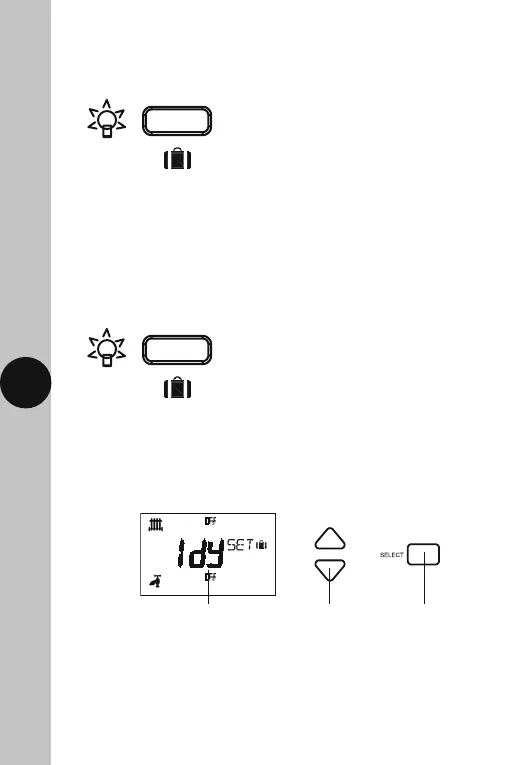
• Set the number of day’s holiday using the Up/Down arrow buttons.
This can be between 0 to 31 days. The day number will flash during
setting, and the suitcase symbol will appear. Press the Set button once
to confirm and exit, or confirm and exit by leaving the screen to time out
after 15 seconds.
• Any key press will illuminate the screen also, with a 15 second
time out after the last button press.
• Any time the back light is on, the Display light/Holiday button
surround illuminates.
Holiday Mode
• Press the Display light/Holiday button and hold for 3 seconds.
Use the Up/Down
arrows to set the
number of days
The day number will flash,
and the suitcase symbol
will appear
Use the Set
button to
confirm and exit



 To Next Page