6
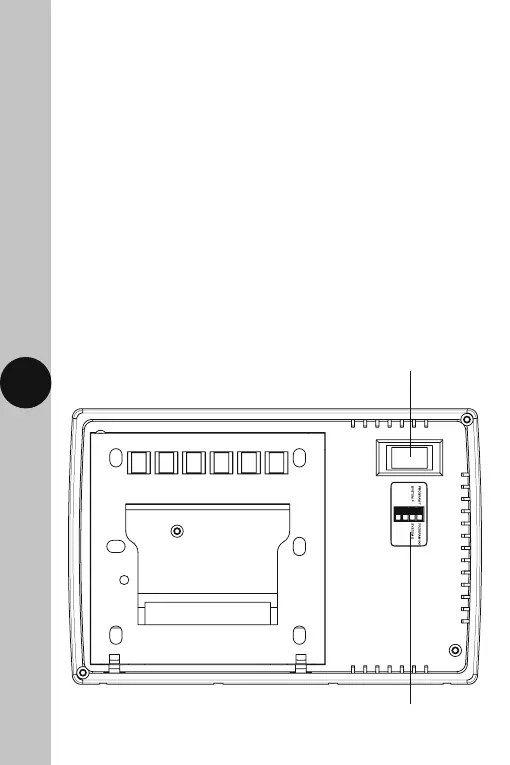
DIP switch position label
DIP switches for 5-2 or 7 day programming
and System P/System G operation
7. DIP Switch Settings
• Decide whether weekday/weekend (5-2) or individual (7) day
programming is required, and set the DIP switches in the correct
position on the rear of the unit. A reset will be required after
changing the DIP switch positions.
• You can set the TRT036N to run a Pumped or Gravity system.
It is important to check which system you have before setting the DIP
switches and operation. This can also be set using the DIP switches
located on the rear of the unit.
System P is for Pumped – this will allow different programmes
for both central heating and hot water.
System G is for Gravity – hot water has to follow the central heating
programmes at all times, this will also be true when in boost
or advance modes.
TRT036N Rear of Unit



 To Next Page