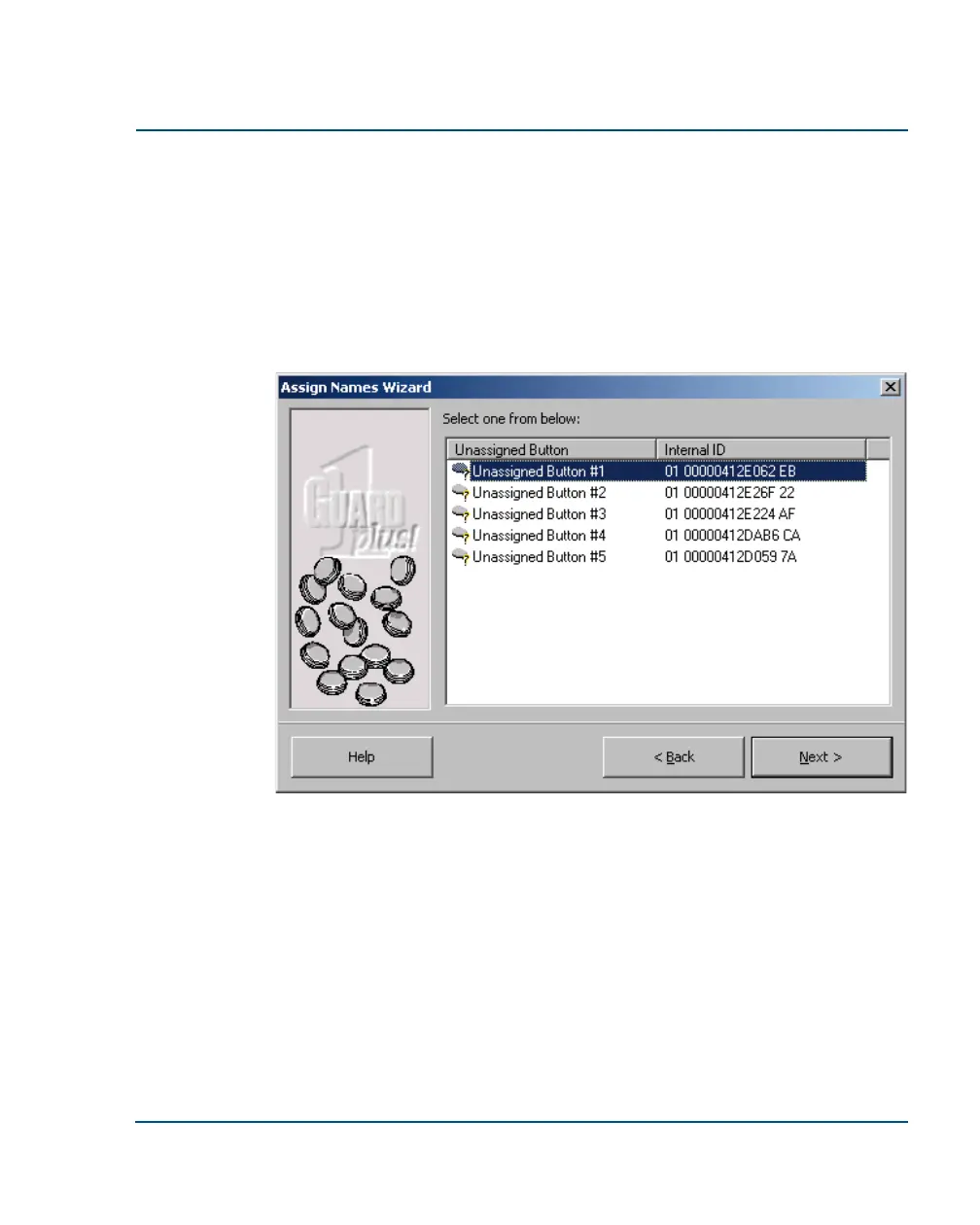
To add buttons by reading with T
HE
PIPE:
1. Read each button with T
HE
PIPE.
2. Carefully record the description of each button you read, in the cor-
rect order.
3. Place T
HE
PIPE in the downloader. Downloading should be auto-
matic.
4. The Assign Names Wizard will start. Follow the instructions on your
screen. For each button, the wizard will ask you to specify a type
(location, incident, or officer) and a description.
Installation Guide Set Up Your Buttons
••
17



 To Next Page