Setting the Alarm to a Buzzer
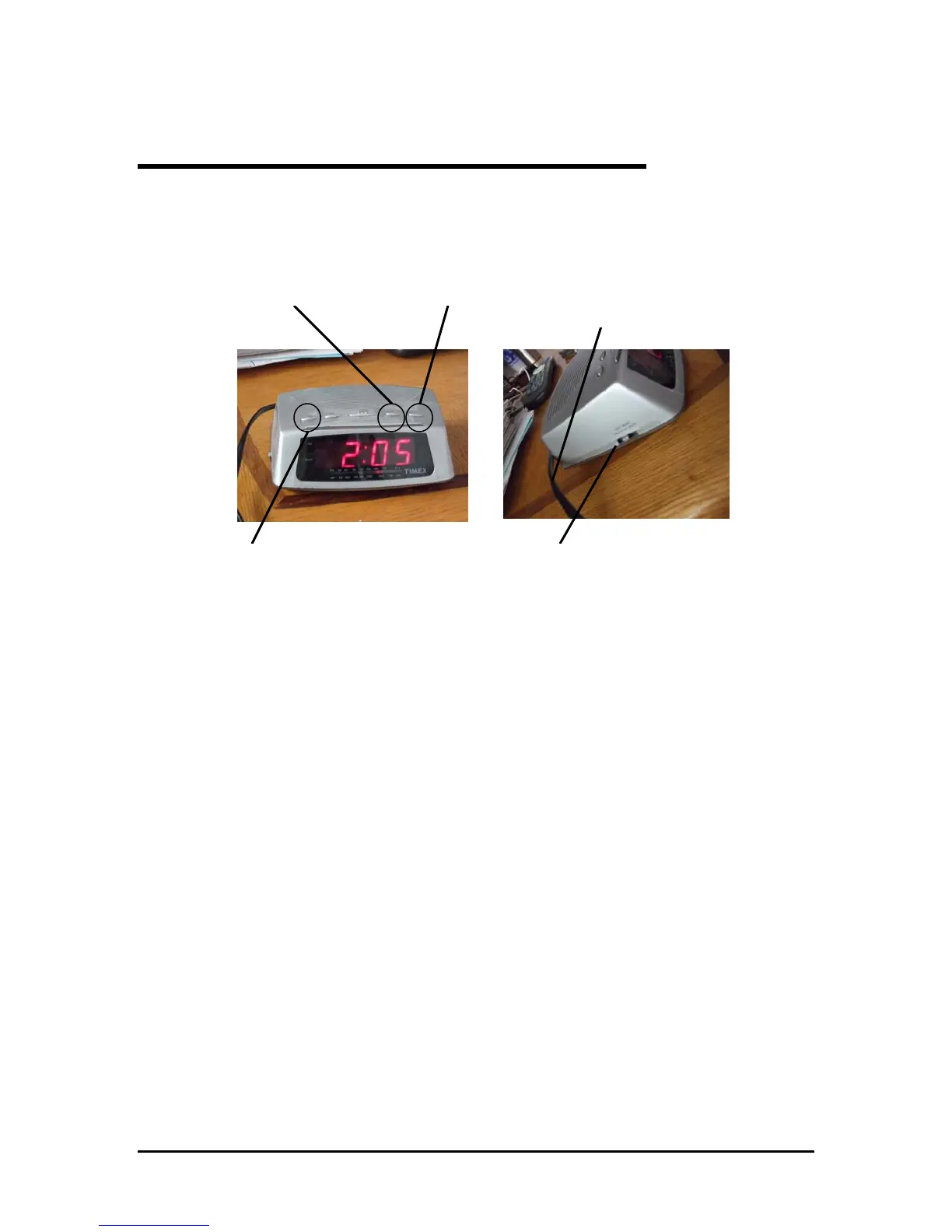
The Timex AM/FM radio alarm clock can be used as an alarm. This section will
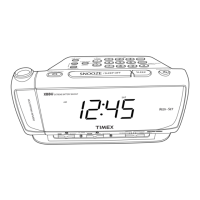
explain how to set the alarm to a buzzer. Figure 4 shows the locations of the parts
needed to set this feature.
Alarm Button
Minute Button
Power Cord
Radio/Alarm Switch
Hour Button
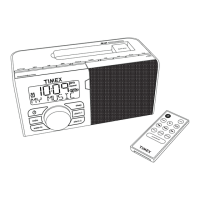
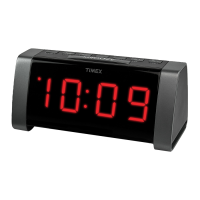
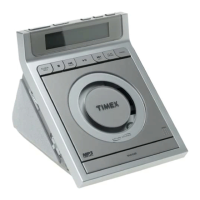
Figure 4. Locations of Parts Needed to Set Alarm to Buzzer
To Set the Alarm to a Buzzer:
NOTE: Make sure you have set the clock before using the alarm.
1. Plug the power cord into an electrical outlet.
2. Hold down the alarm button; then press the hour button repeatedly until you reach
the hour you want the alarm to go off.
3. Continue holding down the alarm button; then press the minute button repeatedly
until you reach the minute you want the alarm to go off.
4. Move the radio/alarm switch to the buzz setting. A red light that says alarm will
display in the lower left hand corner of the digital display.
8


 To Next Page
 Loading...