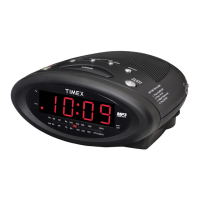
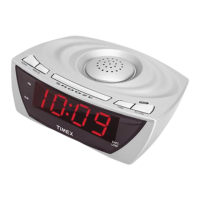
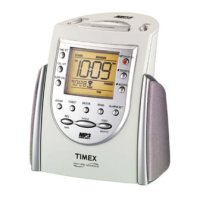
3
DC 5V, 3.5A
6
Set Up
Connecting to Power Source
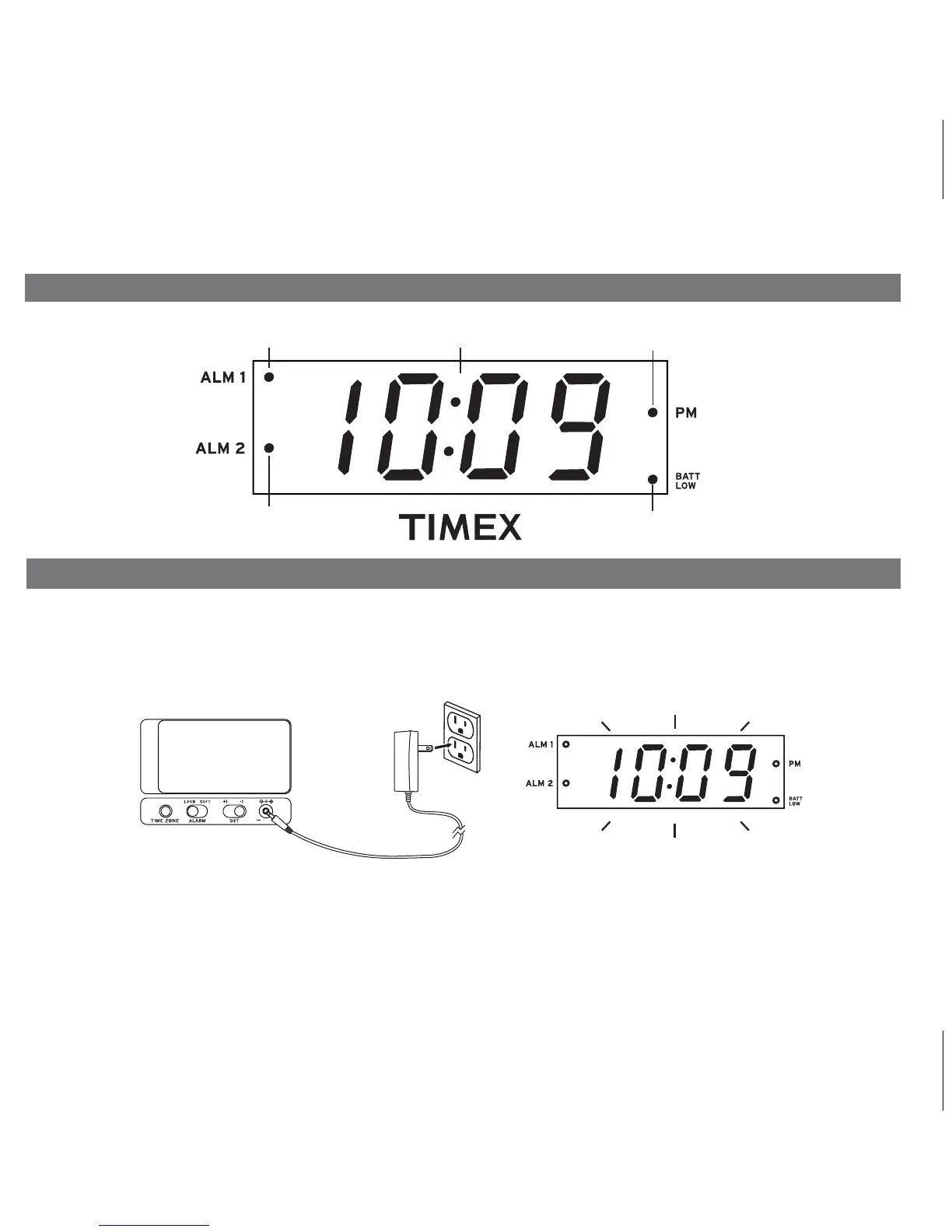
Connect the AC adaptor to the DC jack located on back of the unit. Connect plug into a working
wall outlet that is not controlled by a wall switch. The unit does not operate on batteries (the
battery back up system maintains clock settings during power failures).
Redi-SET
This unit has a Redi-SET™ clock feature. When connected to power, the display will show the
current time. By default, the unit is set to Eastern time. If the time displayed is not correct, you
may need to adjust the Time Zone and/or the clock (see pgs 4-5).
Display
When lit, indicates Alarm 2 is armed.
If not lit, Alarm 2 is not armed.
When lit, indicates Alarm 1 is armed.
If not lit, Alarm 1 is not armed.
When lit, indicates backup batteries
should be replaced.
When lit, indicates time
displayed is PM.
Time display



 To Next Page