4
P5
1
Adjusting the Time Zone
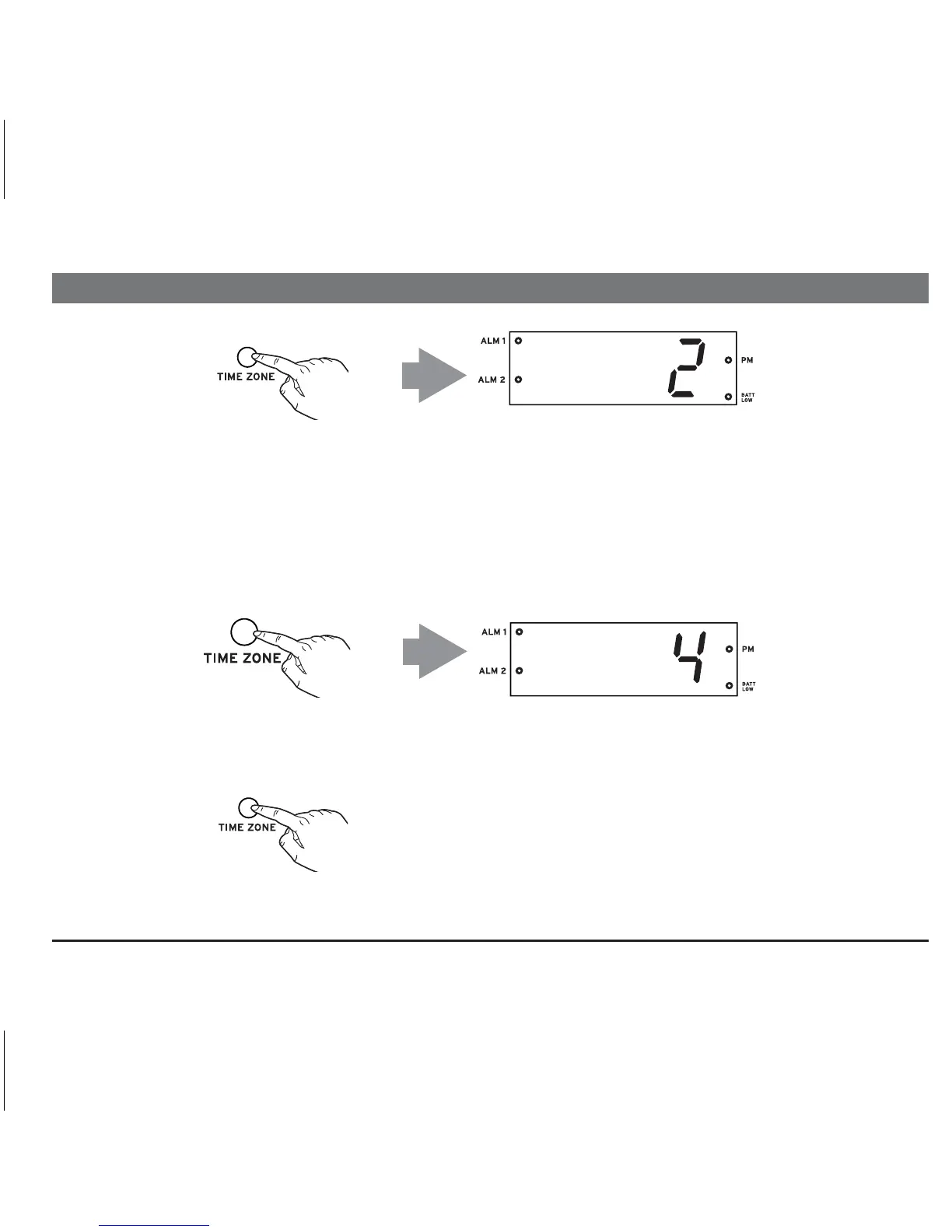
If you are NOT in the Eastern time zone, press the Time Zone Button located on back of the
unit. “2” will appear in the display.
2
Find the number that matches your time zone above.
Keep pressing the Time Zone Button until the desired zone is reached, then release the button.
Once you select a time zone, the number will appear on the display for 5 seconds before the
display reverts back to the current time at your location.
4 —— Mountain Time
5 —— Pacific Time
6 —— Yukon Time
7 —— Hawaiian Time
1 —— Atlantic Time
2 —— Eastern Time (Default Setting)
3 —— Central Time
3



 To Next Page