5
Setting the Clock
1
3
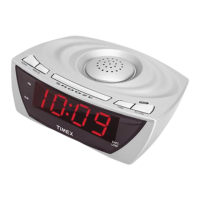
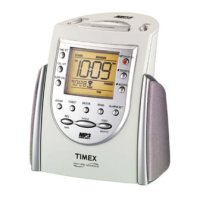
This unit features Redi-SET and should display the correct time when first connected to power.
If the time is not correct, follow these steps to set the clock manually.
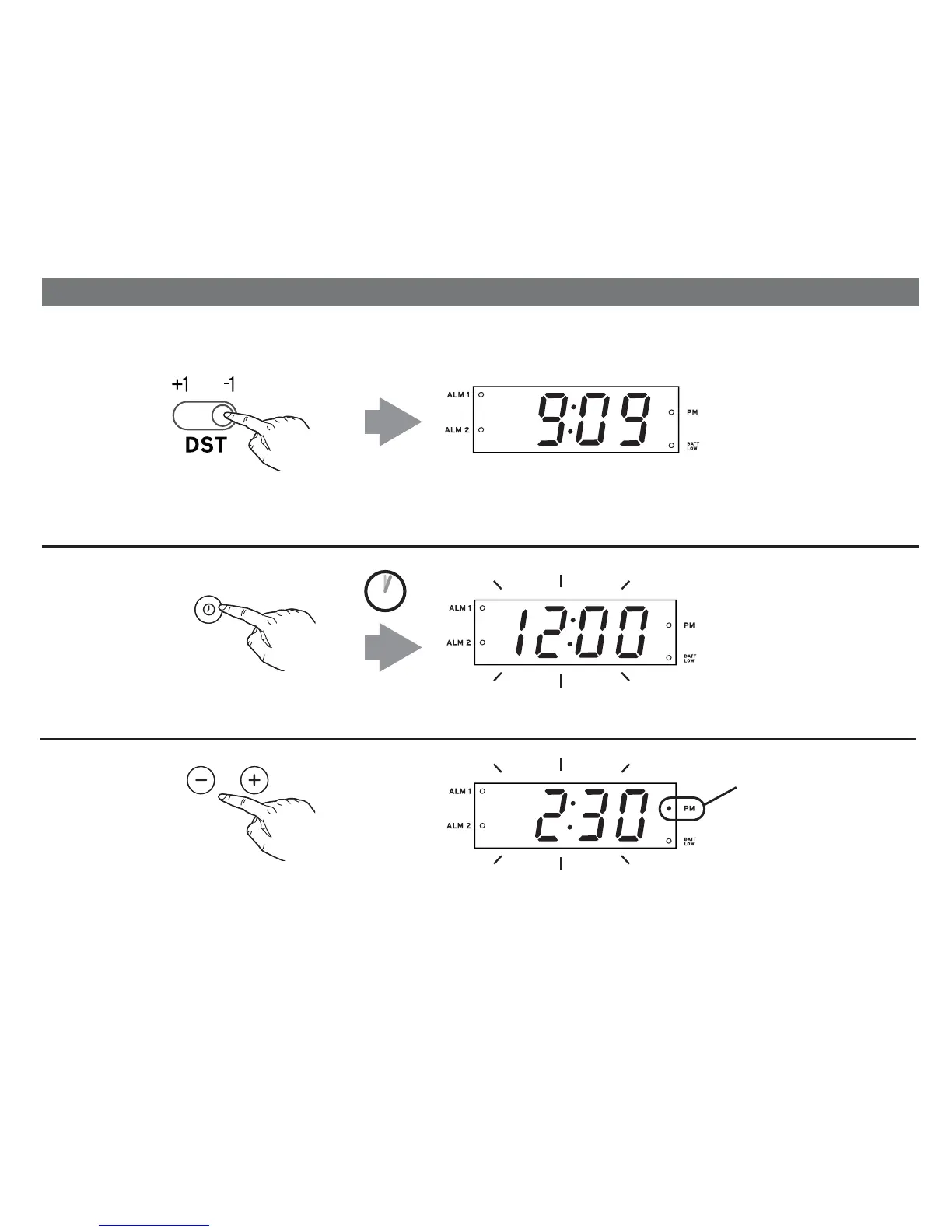
For quick adjustment for Daylight Saving Time, slide the DST Switch on the back of the unit to +1 to
add an hour. For Standard Time slide switch to -1 to subtract an hour.
P6
Press and release the Minus or Plus Button as needed to adjust the clock to the correct time (hold
for faster setting).
NOTE: The PM indicator will light when the time is set for PM. There is no AM indicator.
2
2 SECS
Press and hold the Time Set Button until the time flashes on the display.
TIME SET
PM indicator
is lit



 To Next Page