EasyManua.ls Logo

Tineco FLOOR ONE S6 Series - User Manual

Tineco FLOOR ONE S6 Series
76 pages
Print Icon
To Next Page IconTo Next Page
Loading...
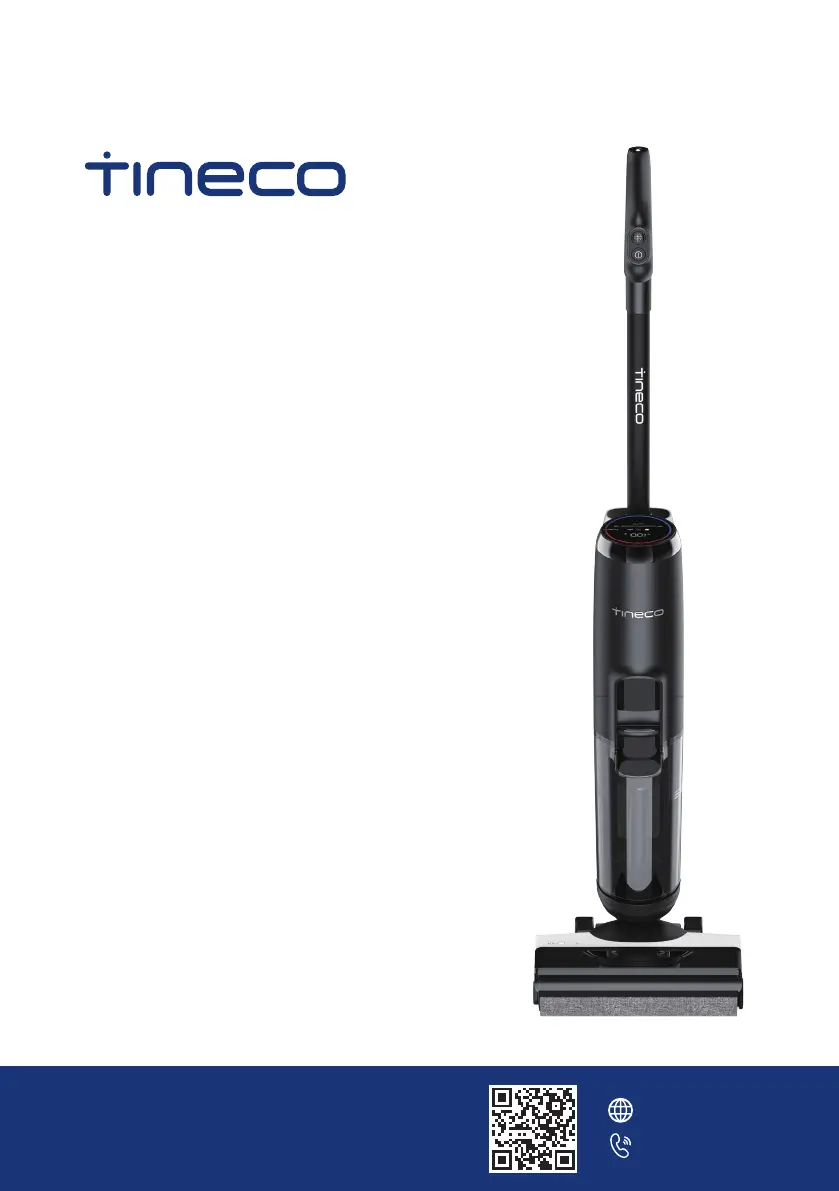
FLOOR ONE S6 SERIES
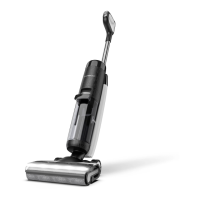
Smart Cordless Floor Washer
Instruction Manual
Manual De Uso
Mode D’emploi
*Actual product may differ from illustration.
TINECO IS HERE TO HELP.
We’ll get back to you within 1 business day.
www.tineco.com
1-855-292-8864

Questions and Answers

  • K
    Kevin JoyceAug 12, 2025
    What to do if the DWT full indicator is blinking on my Tineco Washer?
    • W
      Wendy SmithAug 13, 2025
      If the dirty water in the Dirty Water Tank (DWT) has reached the MAX line, the DWT full indicator will blink. To resolve this, empty the dirty water from the DWT and then reinstall it.
  • L
    Linda MeltonAug 16, 2025
    Why is the battery level indicator blinking on my Tineco Washer?
    • J
      Jessica MonroeAug 16, 2025
      The battery level indicator blinks and a voice prompt indicates low battery when the battery is low. To solve this, charge the appliance, or try restarting it.
  • H
    hernandezlindaAug 20, 2025
    How to fix weak suction on Tineco FLOOR ONE S6?
    • K
      Kelly DonovanAug 20, 2025
      Weak suction can occur if the dry filter is not installed, or if the dry filter is dirty. Install the dry filter or clean it and allow it to dry completely to restore strong suction.
  • C
    Craig ParkerAug 25, 2025
    What to do if the CWT empty indicator is blinking on my Tineco FLOOR ONE S6?
    • C
      Christopher HamiltonAug 25, 2025
      The CWT empty indicator blinks when the Clean Water Tank (CWT) is empty. Refill the CWT with water and cleaning solution to resolve this issue.
  • E
    Elizabeth RamirezAug 27, 2025
    Why is the brush roller tangled indicator blinking on my Tineco Washer?
    • S
      Stephen JonesAug 27, 2025
      The brush roller tangled indicator blinks if: 1. The brush roller is blocked. 2. The brush roller is not installed. To fix this: 1. Remove any blockages from the brush roller. 2. Install the brush roller correctly.
  • M
    melindaboyleAug 31, 2025
    What does it mean when the LED loop illuminates red on my Tineco FLOOR ONE S6 Washer?
    • A
      Amanda DavidsonAug 31, 2025
      If the LED loop illuminates red, it indicates a dirt sensor malfunction or blockage. Remove any blockages, clean the debris channel, or restart the appliance.
  • M
    Michele BakerSep 4, 2025
    Why are all the lights off during operation of my Tineco Washer?
    • J
      James JohnsonSep 4, 2025
      If all lights are off during operation, it indicates a battery overheat or malfunction. Cool the appliance down and then restart it.
  • T
    Theresa SmithSep 7, 2025
    What to do if the self-cleaning icon is blinking on my Tineco FLOOR ONE S6 Washer?
    • R
      Ryan HoffmanSep 7, 2025
      If the self-cleaning icon is blinking, it means the brush roller is dirty. Start the self-cleaning cycle to resolve this.

Summary

Important Safety Instructions

Specifications

Overview

Digital Display

Assembly

Operation

Preparing for Use

Initial steps before operating the floor washer, including charging.

Filling Clean Water Tank

Instructions for filling the clean water tank with water and solution.

Charging Instructions

Steps for charging the appliance via the charging dock and power outlet.

Cleaning Mode Selection

AUTO Mode

Explanation of the automatic cleaning mode with dirt detection and variable suction.

MAX Mode

Details on the maximum power suction and spray mode for deeper cleaning.

Maintenance

Dirty Water Tank

Steps for emptying, cleaning, and reinstalling the dirty water tank.

Dry Filter

Instructions for cleaning and drying the dry filter for optimal performance.

Brush Roller Self-cleaning

Process for initiating and performing the automatic brush roller self-cleaning cycle.

Brush Roller

Instructions for removing, cleaning, and reinstalling the brush roller.

Troubleshooting

Warranty

Tineco FLOOR ONE S6 Series Specifications

General IconGeneral
Battery TypeLithium-Ion
RuntimeUp to 35 minutes
Self-CleaningYes
TypeCordless Wet/Dry Vacuum
Smart FeaturesApp Connectivity
Warranty2 years
Charging Time4 hours

Related product manuals