8
Operation elements
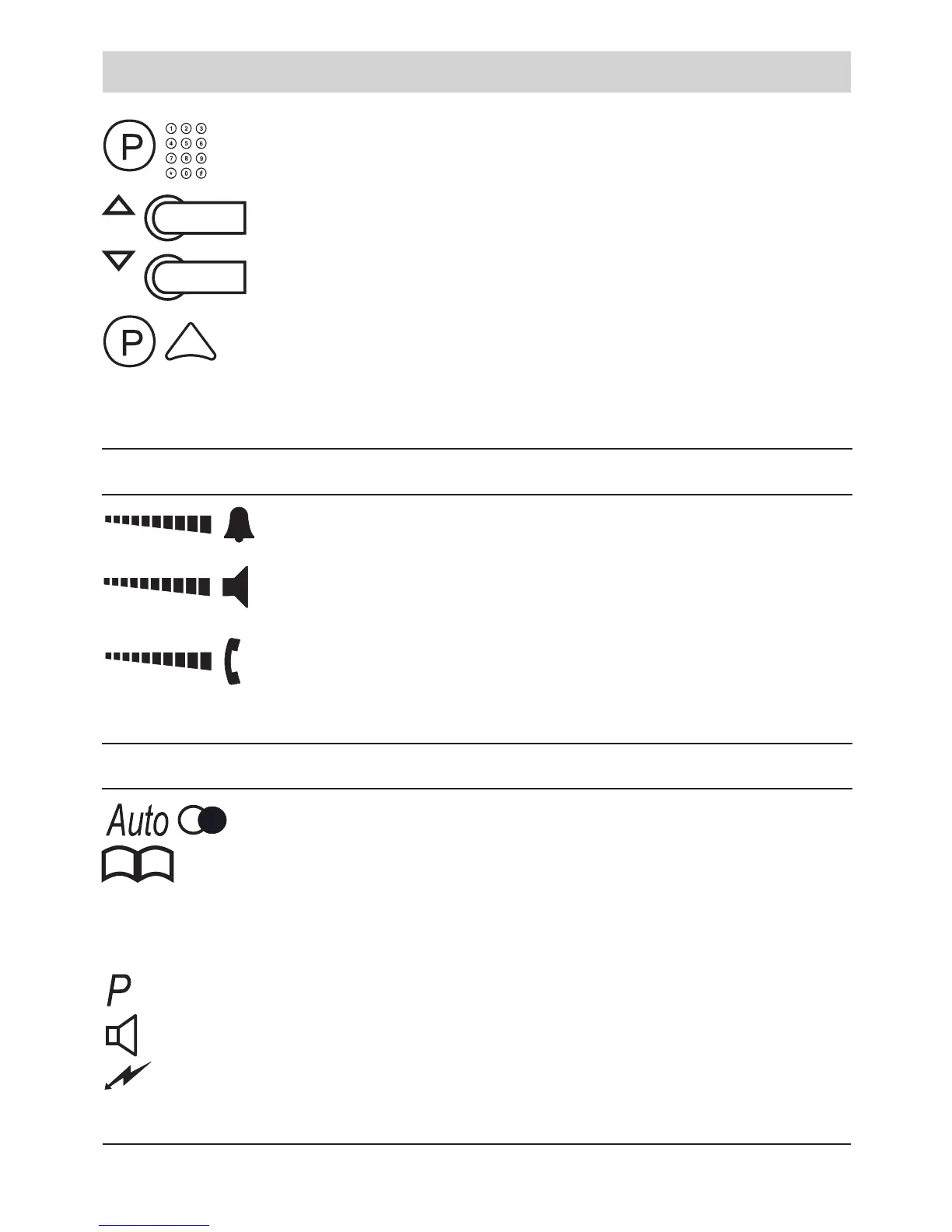
Dialling a number in the phone book. Press P key and
enter the rst letter of the name. If there are more entries:
Select the desired entry by the arrow keys.
(After pressing the P key, your are able to scroll through all
entries of the phone book).
Recording of call passages: press the P-key. Afterwards
press the triangular key and keep it pressed. Play-back:
press the keys consecutively while the handset is on-hook.
Slide switches for volume adjustments
Ringing signal volume.
Loudspeaker volume.
Handset volume. Please note the section “Handset
volume” on page 20.
Symbols in the display
Automatic redialling active.
Select phone book entry.
R There is an unanswered call. The transferred telephone
number can be displayed.
A programming step is executed.
Listening-in or hands-free mode is active.
Incoming call indication by ashlight is activated.



 To Next Page