12
Making telephone calls
Dialling a number in the phone book
You can dial names and telephone numbers which are stored in the phone
book.
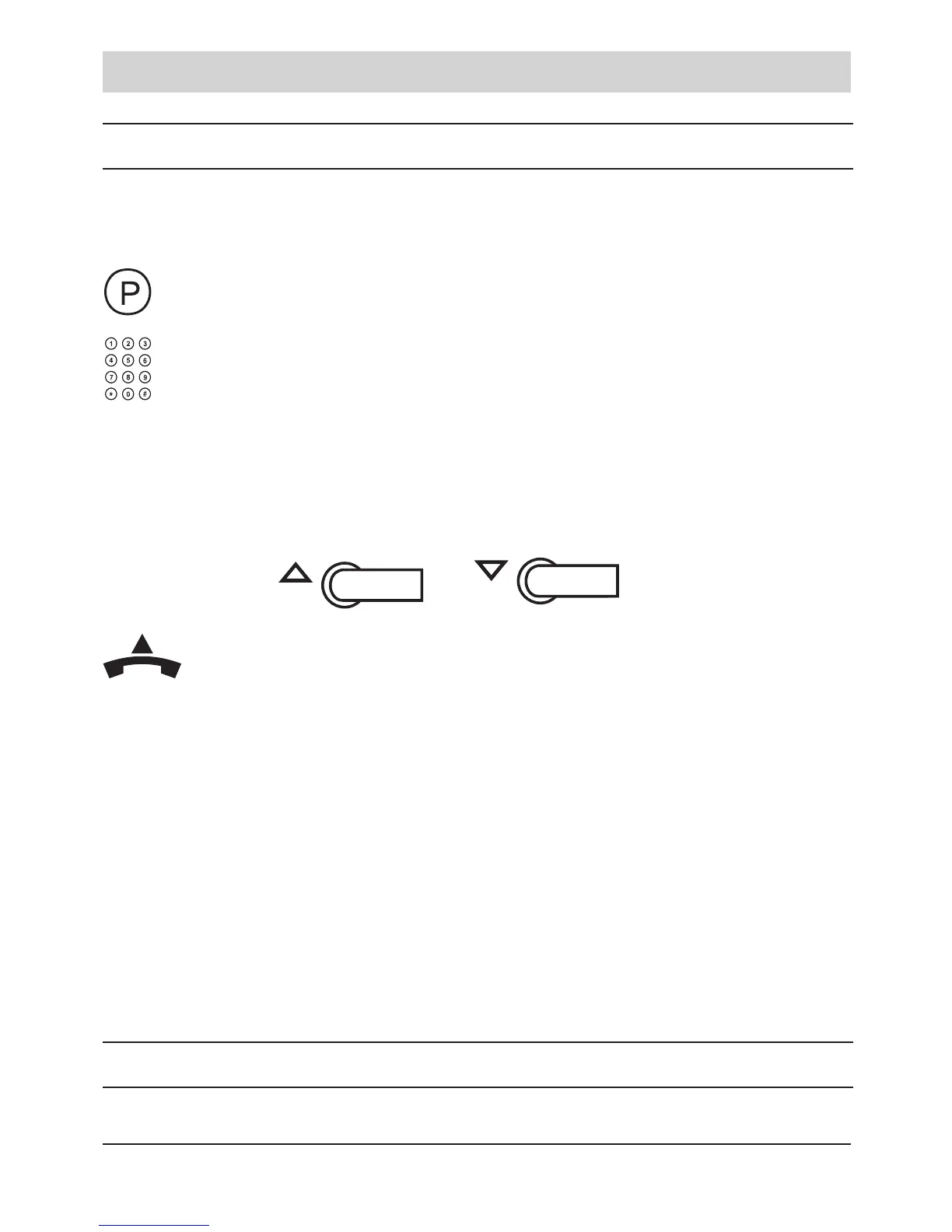
Press the P-key.
Enter the rst character of the wanted name with the
digit keys.
The display shows: „Search for...“
The name appears in the display.
If there are more entries with the same rst character, you
are able to select the desired name with the arrow keys
and .
Pick up the handset. The telephone number is shown in
the display and will be dialled.
Remarks:
• To enter a specic alphanumeric character, press one or more times the
key labelled with the required character: once for the rst character, twice
for the second and so on.
• If you want to view the whole phone book list, press the P-key and after-
wards the arrow keys.
• Please refer to page 19 of the programming instructions to see how to
store phone book entries.
Sending an emergency call
The individually positioned upper speed dialling key (1) can be programmed



 To Next Page