13
Making telephone calls
and used as an emergency or SOS key. After pressing the SOS key, up to
four stored telephone numbers are called one after the other.
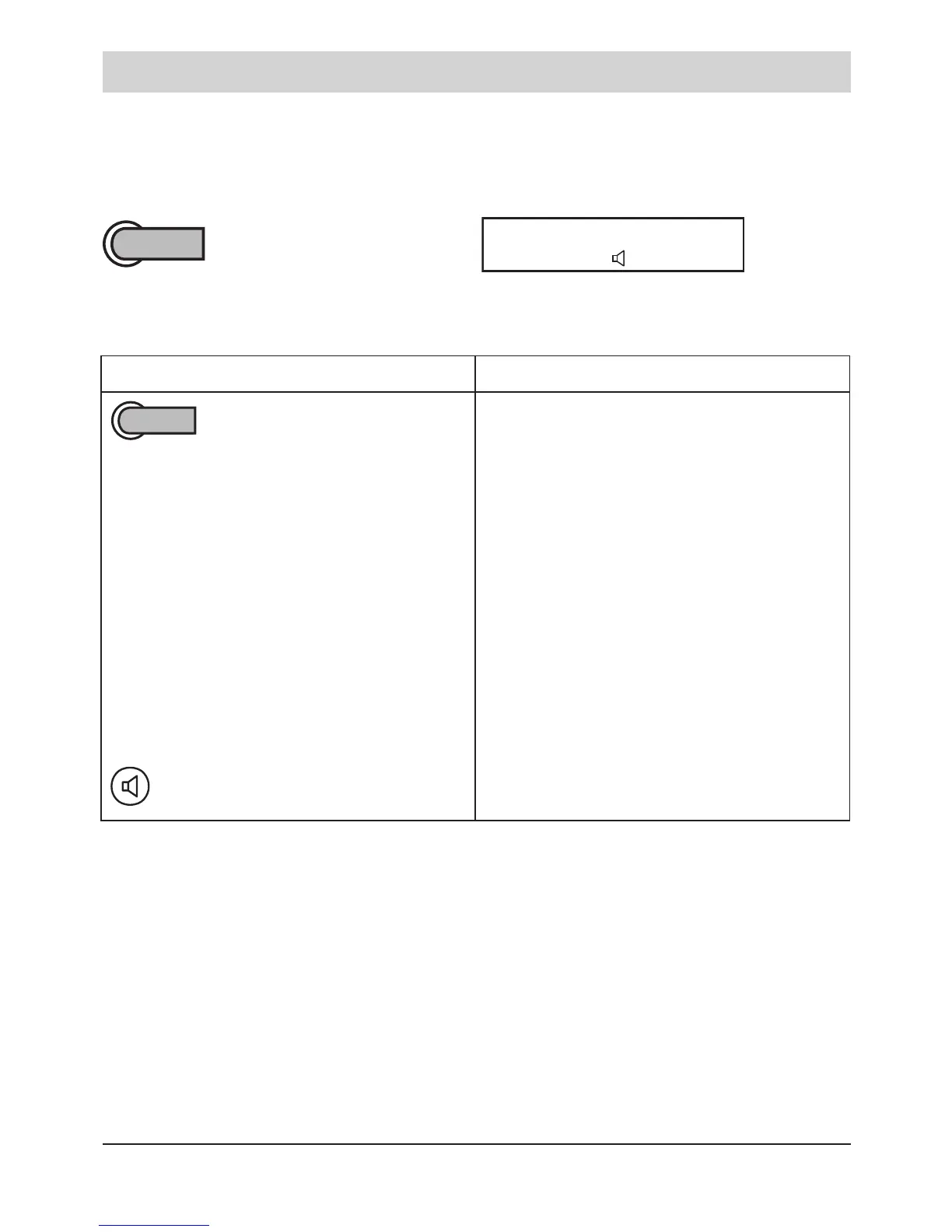
Press the SOS key.
Emergency No. 1
The display shows the currently dialled emergency
number (emergency number 1 - 4).
Person seeking help Recipient of an emergency call
Press SOS key.
The emergency call telephone is
automatically switched to the
hands-free mode.
End conversation:
Press loudspeaker key.
Telephone is ringing. Pick-up the
handset. The emergency announce-
ment is heard. Press numeric key 5
(acknowledgement). The emergency
announcement is stopped.
Conversation with person seeking
help.
Remarks:
The emergency call has priority over all other telephone activities and can be
set in different ways (see programming instructions as of page 25).
• The emergency operation must be set up and activated via the program-
ming.
• You can store a maximum of 4 emergency numbers.
• You can set up to 9 emergency call dialling sequences. During one se-
quence, all programmed telephone numbers are called one after the other.



 To Next Page