7
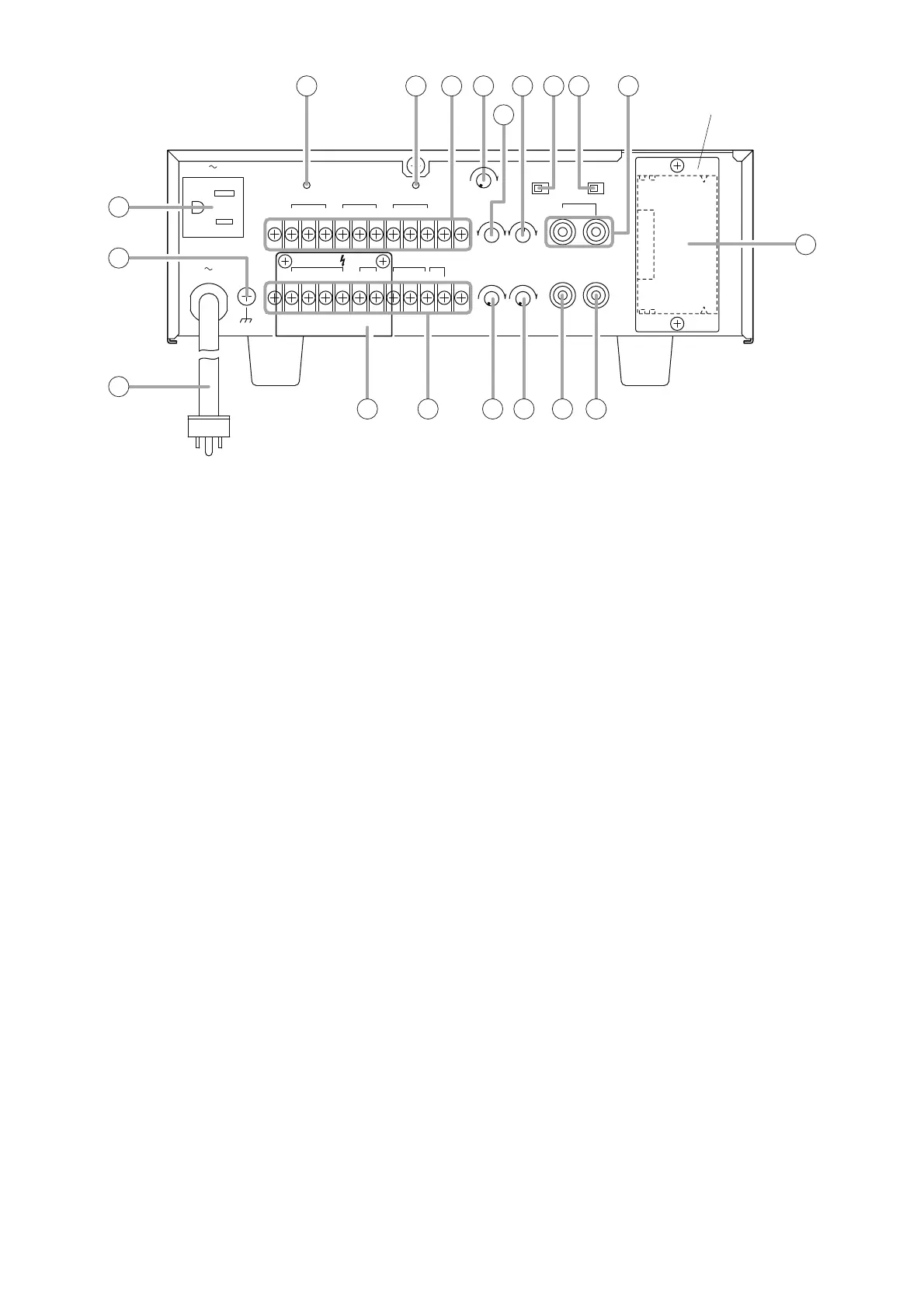
10. AC power cord
Connect this cord to an AC wall outlet of 120 V
AC.
11. Ground terminal
Hum noise may be generated when external
equipment is connected to the unit. Connecting
this terminal to the functional ground terminal of
the external equipment may reduce the hum
noise.
12. AC outlet [UNSWITCHED]
Provides AC power to auxiliary equipment with
power consumption of less than 500 W.
13. Breaker [UNIT]
Cuts off the AC power to the unit when its input
current exceeds the allowable value.
Note
The yellow button in the breaker pops out to
indicate that the breaker has tripped. After
turning off the power and eliminating the cause
of the breaker trip, press the button to reset the
breaker.
14. Breaker [OUTLET]
Cuts off the AC power supply from the AC outlet
if current output exceeds 4 A.
Note
The yellow button in the breaker pops out to
indicate that the breaker has tripped. After
turning off the power and eliminating the cause
of the breaker trip, press the button to reset the
breaker.
15. Input terminal block [PROGRAM, TEL, MIC]
Connect microphone, telephone, and program
source to this terminal block. (Refer to p. 8,
"Input Connections.")
16. Output terminal block [OUTPUT, MOH, MUTE]
Provides outputs for speaker (120 W output and
1 W output), MOH (Music On-Hold), and Mute
control. (Refer to p. 9, "Output Connections" and
p. 10, "Mute Function.")
17. Sensitivity control [SENSE]
Adjusts the sensitivity of the mute circuit.
Turn clockwise to increase sensitivity, and
counterclockwise to decrease it.
18. Bass control [BASS]
Adjusts the bass frequency band level of speaker
outputs for MODULE (BGM), PROGRAM, and
AUX input signals.
Turn clockwise to increase bass output, and
counterclockwise to decrease it.
Bass level is flat at the center position.
19. Treble control [TREBLE]
Adjusts the treble frequency band level of speaker
outputs for MODULE (BGM), PROGRAM, and
AUX input signals.
Turn clockwise to increase treble output, and
counterclockwise to decrease it.
Treble level is flat at the center position.
20. 1 W output volume control [OUTPUT 1 W]
Adjusts the 1 W OUTPUT level.
Turn clockwise to increase the level and
counterclockwise to decrease it.
21. MOH output volume control [MOH]
Adjusts the MOH (Music On-Hold) output signal
level.
Turn clockwise to increase the level and
counterclockwise to decrease it.
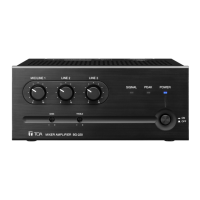
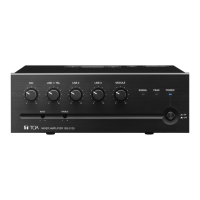
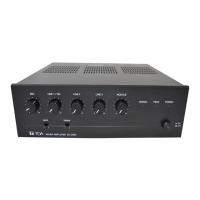
This figure represents the BG-1120.



 To Next Page