20
10.2. Installation Procedures
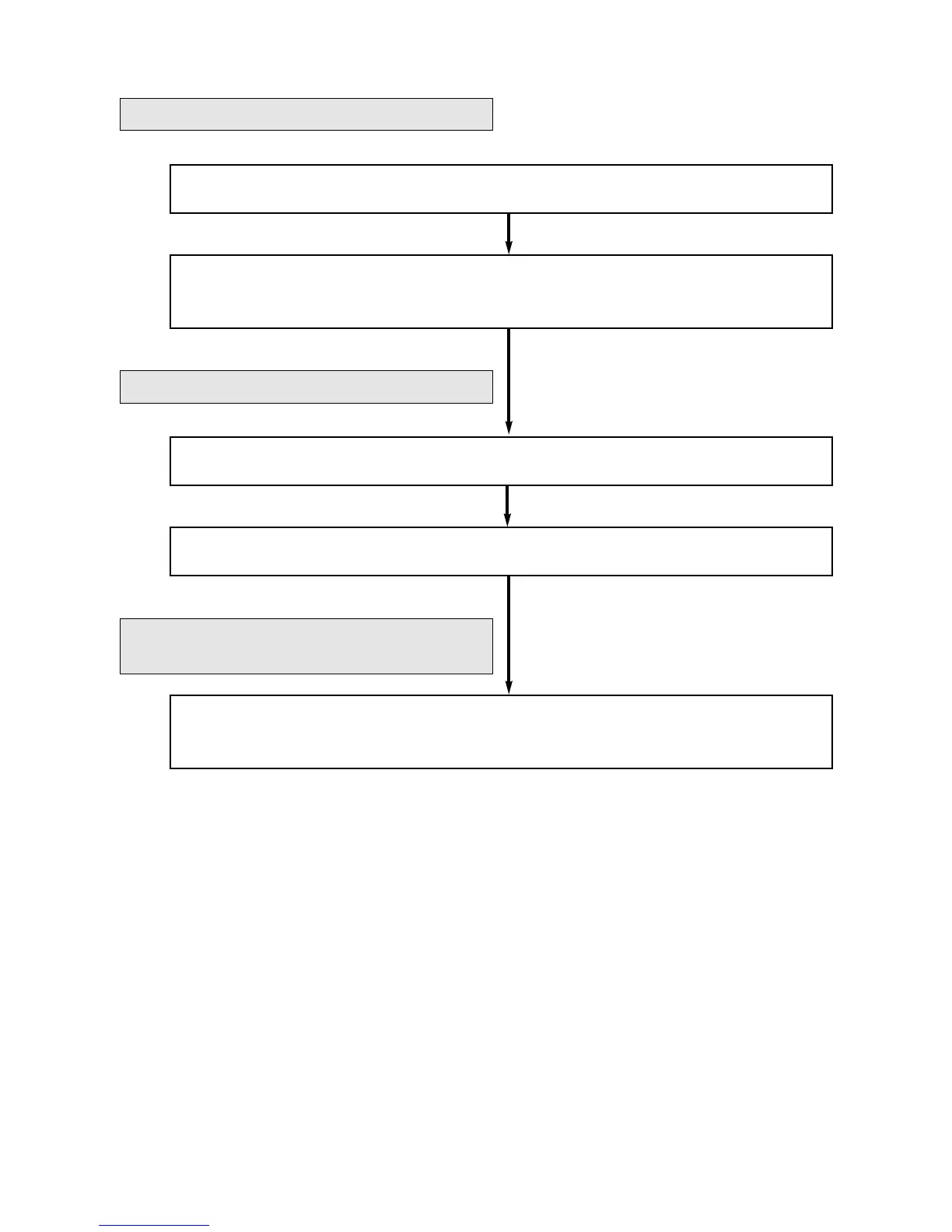
1. Connect the Delegate units to the Central unit (see page 9).
2. Perform function settings for the Central unit, and volume adjustment, etc. for
the Chairman and Delegate units
(see page 21).
4. Make connections between Central units (see page 25).
3. Repeat Steps 1 and 2 above for each Central unit (see page 25).
5. Establish speech connections with remote participants through PCs or
telephones, then adjust their sound volume
(see page 26).
Basic System Installation
If using multiple Central units:
If using the Remote Delegate Interface
units (remote conferencing):
(1 Central unit and up to 70 Delegate units)
(Up to 3 Central Units and up to 210 conference units)



 To Next Page