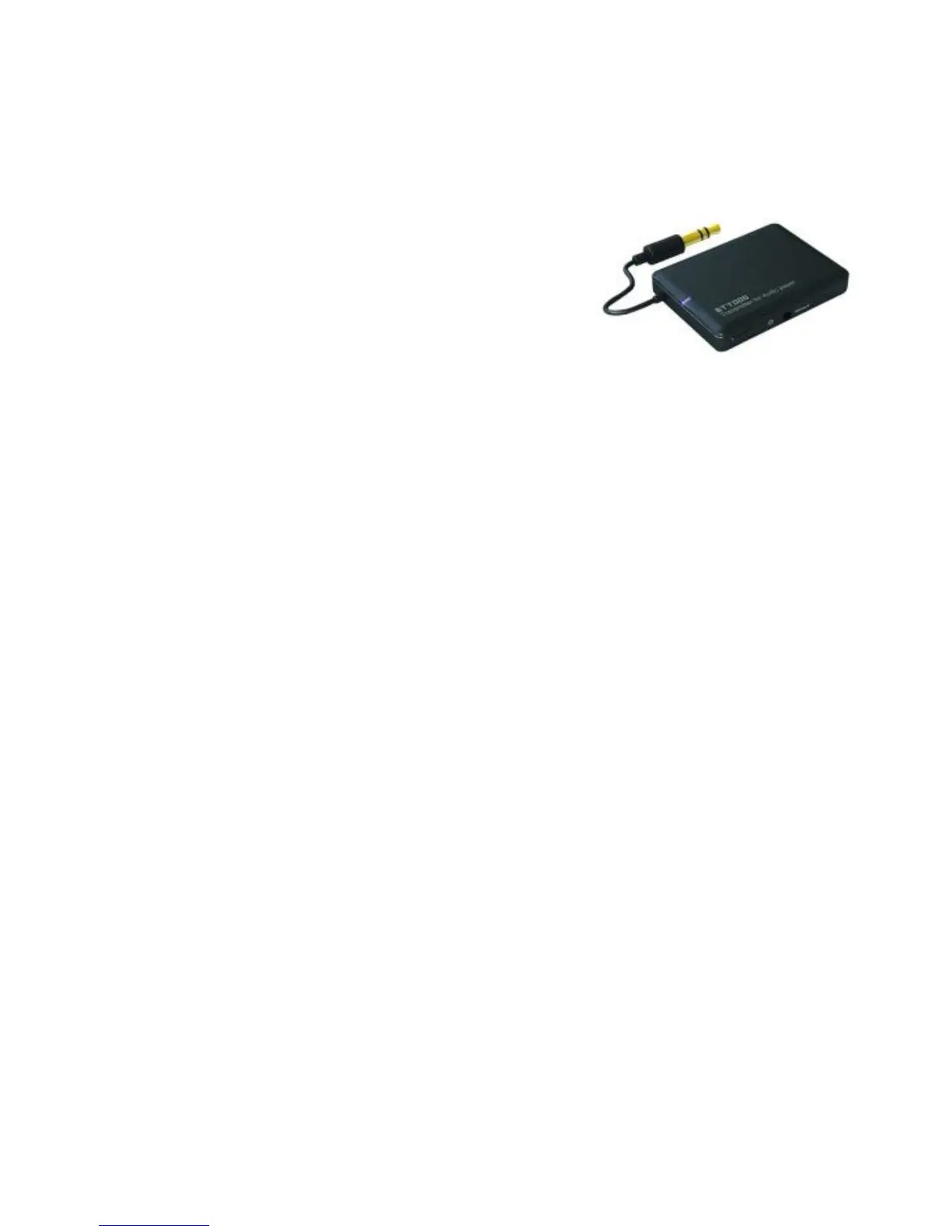
4) Pairing Tokio Wireless with a Bluetooth transmitter via Bluetooth
You can connect the Tokio Wireless to a Bluetooth transmitter to enjoy music
wirelessly. For example(Bluetooth transmitter not included), the pairing steps are
as follows:
1) Keep your Tokio Wireless and transmitter
within 1 meter when pairing;
2) Make your Tokio Wireless enter pairing
mode (Please refer to “How to enter pairing
mode);
3) Turn on the Bluetooth transmitter and make
it enter paring mode. It will search for Bluetooth devices automatically and
send a pairing request;
4) When Tokio Wireless requests to enter a PIN No., the transmitter will response
“0000” automatically;
5) After successful pairing and connecting, blue LED of the Tokio Wireless
flashes twice every 4 seconds.
Remarks:
The defaulted pairing password of Tokio Wireless is “0000”. So, Tokio
Wireless can only pair with a Bluetooth transmitter whose pairing password is
“0000”.
If pairing still fails after several tries, please refer to the Bluetooth transmitter’s
user’s manual for further information.
5) Pairing Tokio Wireless with Multi-devices via Bluetooth
Your Tokio Wireless has been defaulted with multi-pair function Off, the steps of
turn on/off the multi-pair function are as follows:
Turn on multi-pair function: when Tokio Wireless is in standby mode, not
connect with any Bluetooth devices, press on MFB and volume up button
simultaneously for 3~5 seconds and release it until hear a prompt tone.
Turn off multi-pair function: when Tokio Wireless is in standby mode, not
connect with any Bluetooth devices, press on MFB and volume down button
simultaneously for 3~5 seconds and release it until hear a prompt tone.
8


 To Next Page