Remarks:
1) The battery is recyclable.
2) Batteries (battery pack or batteries installed) shall not be exposed to excessive
heat place, such as sunshine, fire or the like.
Getting started
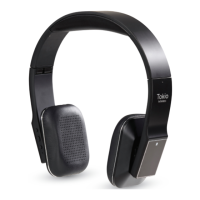
1. Turning on/off Tokio Wireless
Press and hold MFB button for
3~4 seconds until blue LED
flashes
Blue light flashes for
one second
Press and hold MFB button for
3~4 seconds until red LED
flashes
Red light flashes for
one second
Remark: In order to save power, your Tokio Wireless will turn off automatically
if no devices can be connected after 5 minutes.
2. Pairing Tokio Wireless with Bluetooth devices
1) How to enter pairing mode
Ensure Tokio Wireles is off, and
then press and hold MFB button
for 5~6 seconds until red and blue
LED flash alternately
Red and blue LED
flash alternately
Remark: Pairing mode will last 2 minutes. If no devices can be connected after 2
minutes, it will return to standby mode automatically.
2) Pairing Tokio Wireless with a Bluetooth cell phone via NFC
Your Tokio Wireless supports NFC function, it can quickly connect with Bluetooth
cell phone via NFC, hereby take Samsung S3 (Not included) for example.
4


 To Next Page