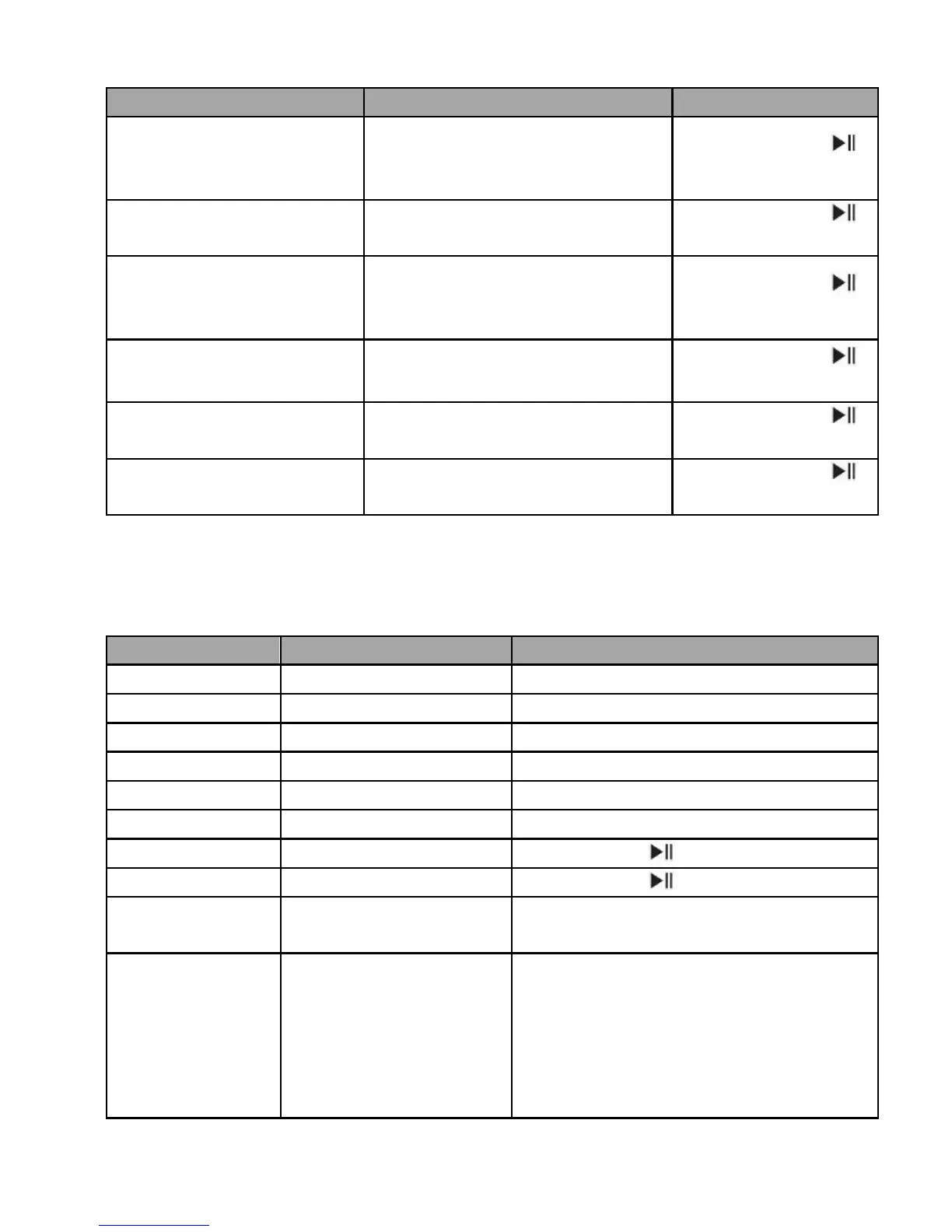
3) Connecting with two cell phones to make a call
Retain phone call #1
and answer phone call
#2
During phone call #1, phone
2 has incoming call
End phone call #1 and
answer phone call #2
During phone call #1, phone
2 has incoming call
Reject phone call #2
and keep current
phone call
During phone call #1, phone
2 has incoming call
During call, one of phone
call is retained
End current call, back
to retain phone call
During call, one of phone
call is retained
During call, one of phone
call is retained
5. Playing music
When your Tokio Wireless connects to a mobile phone or Bluetooth transmitter
which supports A2DP, you can enjoy music wirelessly through Tokio Wireless.
12
Short press ◄ button once
Short press ► button once
It can playing music through
3.5mm audio line
Connect Tokio Wiress with PC via
USB cable, you can enjoy music
from PC. If Tokio Wireless is
turned on, you can control
previous/next song, fast forward
/fast rewind of Tokio Wireless.


 To Next Page