EasyManua.ls Logo

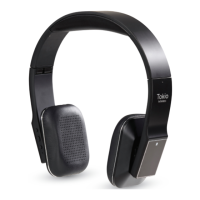
Tokio Wireless - Three-ways call operation

Tokio Wireless
18 pages
Print Icon
To Next Page IconTo Next Page
To Previous Page IconTo Previous Page
Loading...
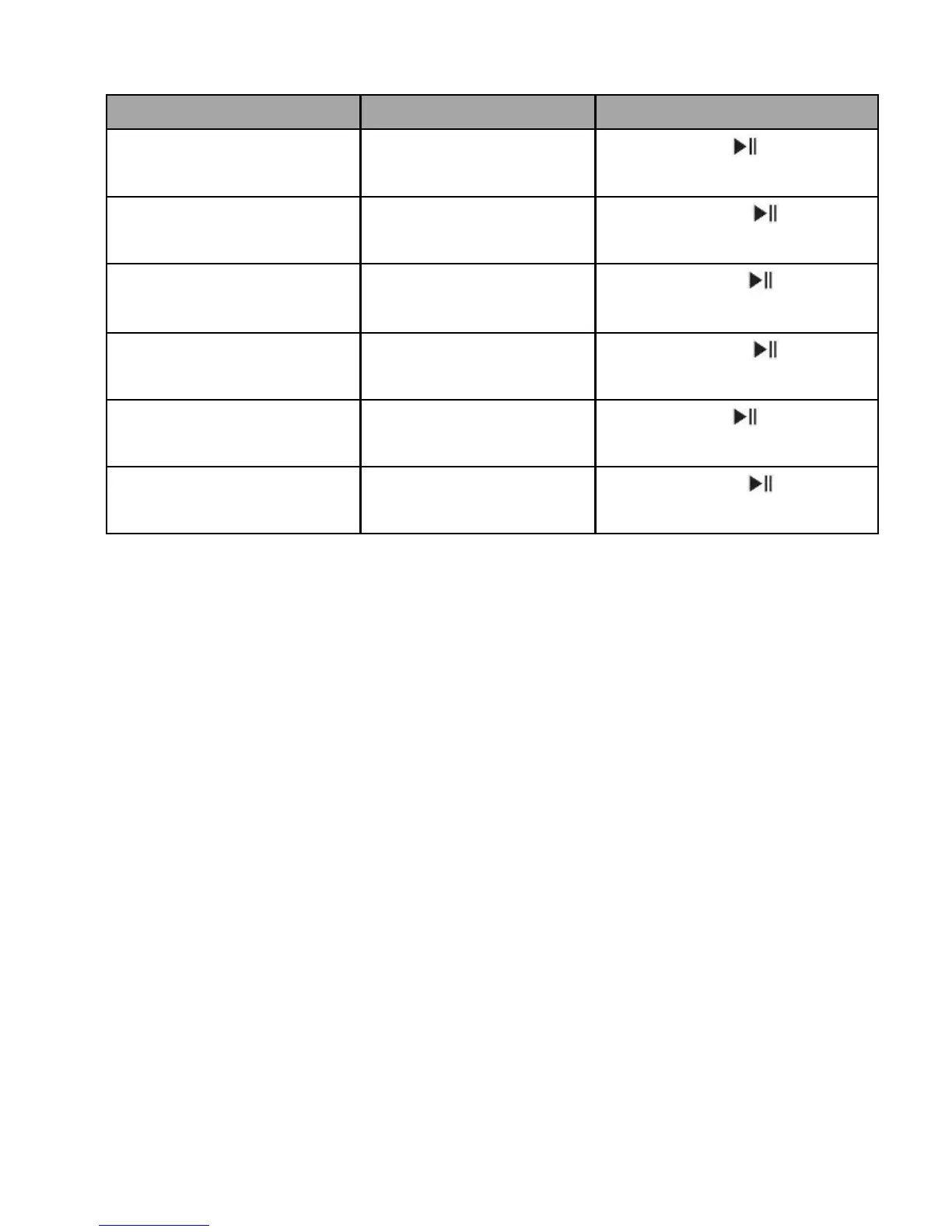
2) Three-ways call operation
Functions
Status of device
Operation
Answer new call and
end current call
There are second
incoming call
Short press once
Answer new call and
retain current call
There are second
incoming call
Long press for 2
seconds
Reject new call and
keep current call
There are second
incoming call
Double click button
Switch calls
Keep conversation
Long press for 2
seconds
End current call and
switch retain call
Keep conversation
Short press once
End retain call and
keep current call
Keep conversation
Double click button
Warning: excessive sound pressure from earphones and headphones can
cause hearing loss.
Remarks:
Not all the mobile phones support all the functions listed above. Please refer to
your mobile phone users manual.
Different function and prompt tone according to different mobile phones.
When the volume of Tokio Wireless has been adjusted to max or min, you will
hear one prompt tone.
When pressing the answer button on some mobile phones, the call will be
transferred to the mobile phone. You can switch the call to the Tokio Wireless
by using the conversation switch button or through operating on the mobile
phone. Please refer to your mobile phone user manual for further information.
11