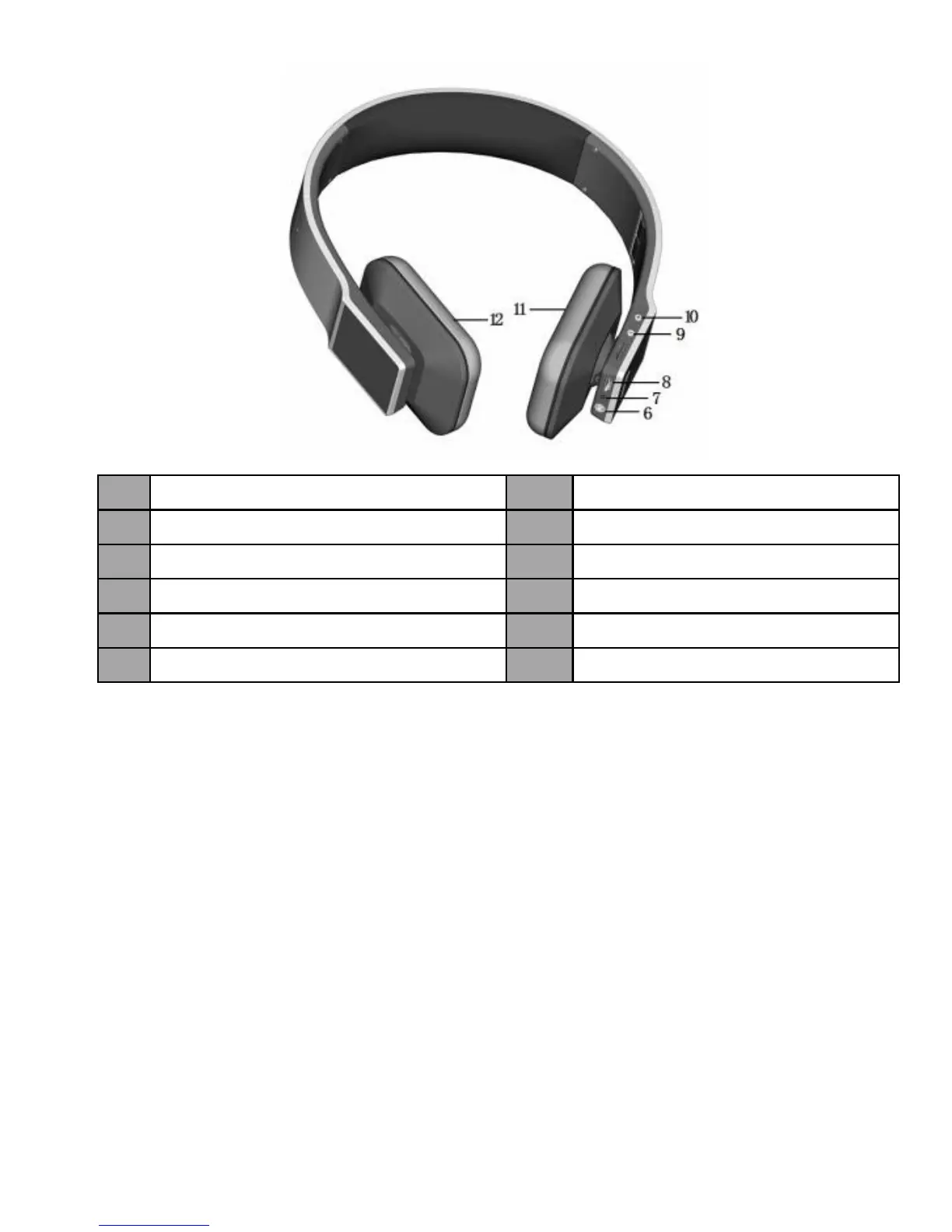
2. Charging Tokio Wireless
Your Tokio Wireless comes with a built-in rechargeable battery, prior to use it, it is
recommended to charge the battery fully for the first time.
When your Tokio Wireless is with low power, it emits three “Dong” tones every 5
minutes and the red LED flashes, please recharge it in time.
The way of charging is as following:
Using USB cable
1. Plug USB charging cable into the USB port of computer
2. Plug another side of USB cable to your Tokio Wireless
Red light on: Charging
Blue light on: Finish charging
3. It will takes about 3 hours to finish charging
3


 To Next Page